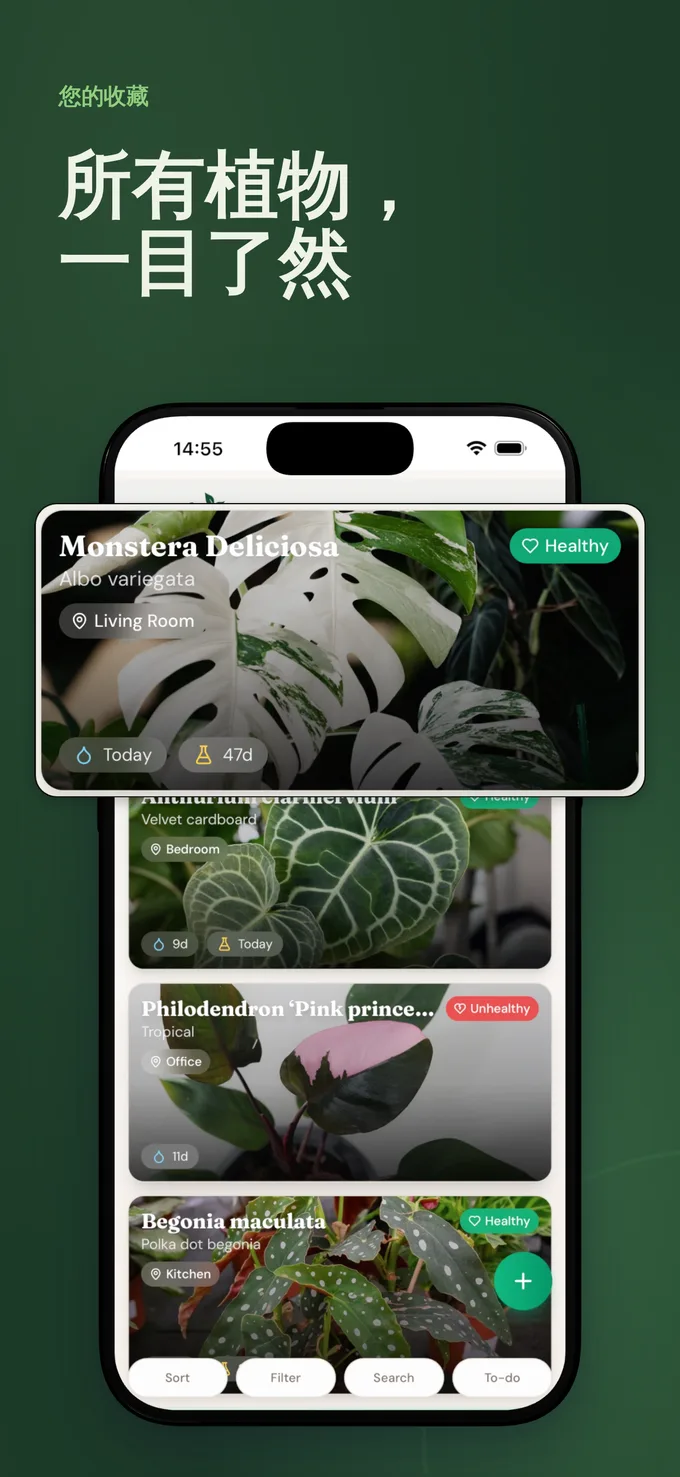
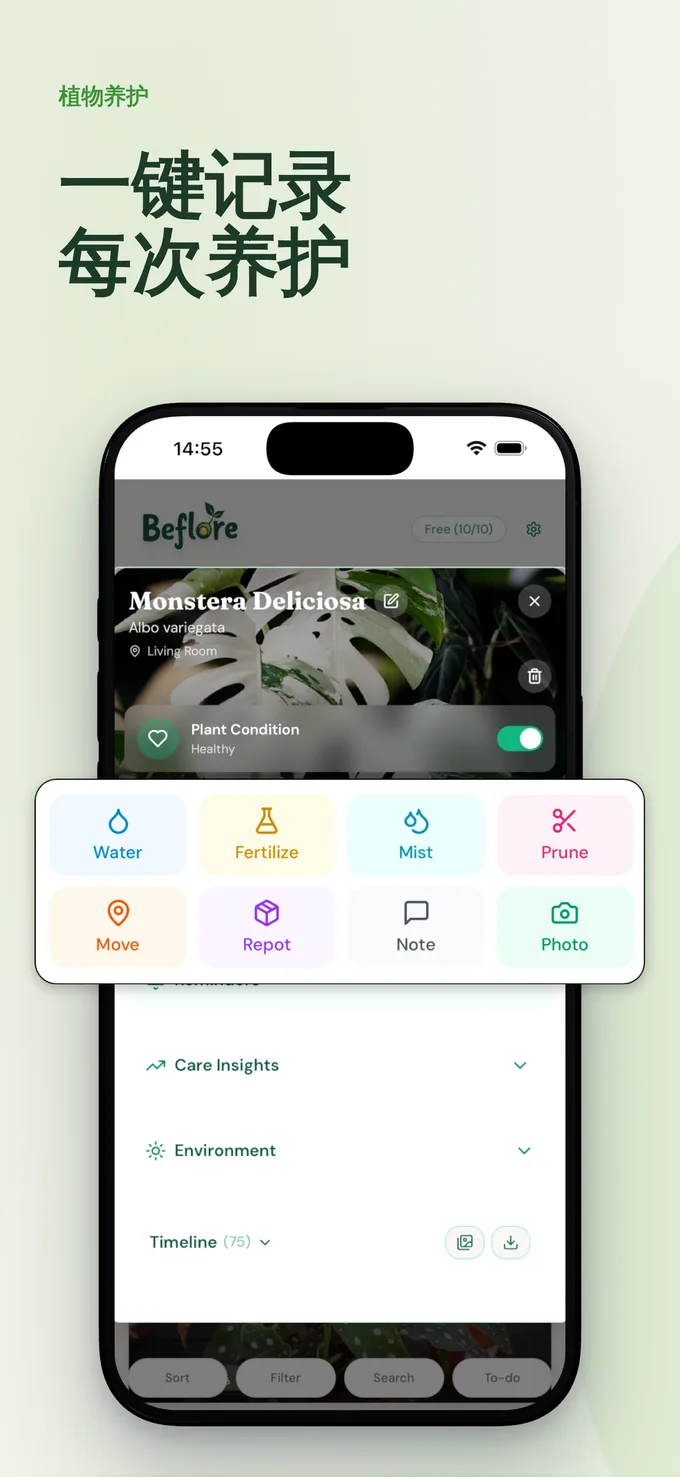
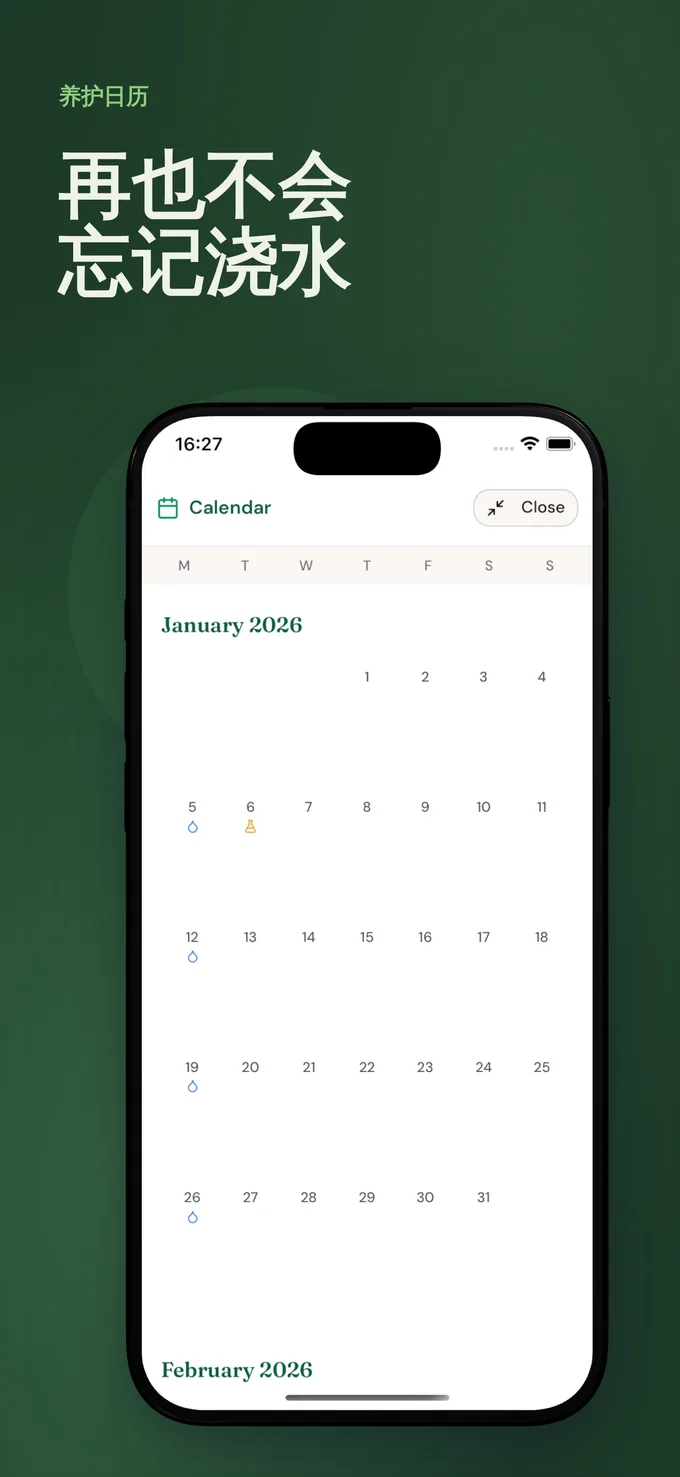
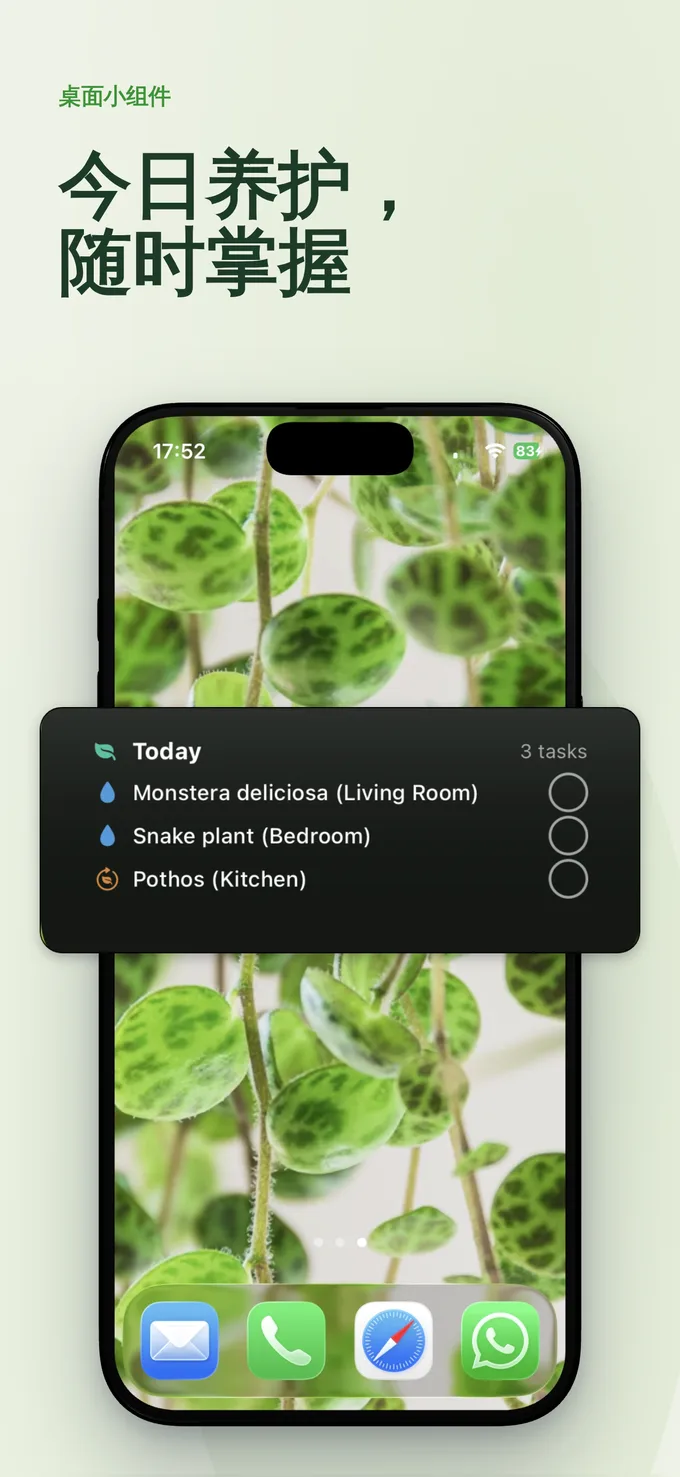
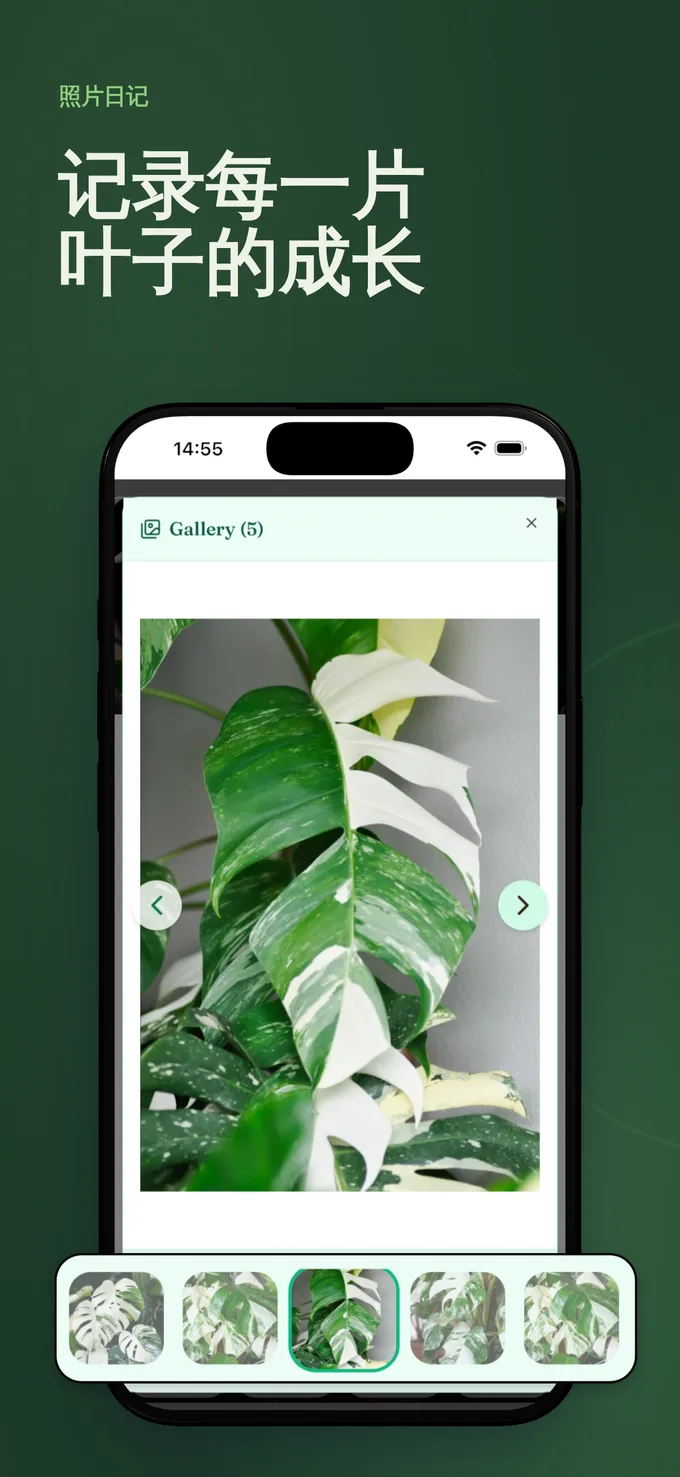
宣传图, 同样为你设计好。
你的 Google Play 宣传图,与截图共用同一画布制作。随时可发布,也可自由调整。
商店文案, 为你写好。
面向两大商店的描述、关键词和推广文案。扎实初稿,由你按自己的语气打磨。
50 种语言, 随即发布。
一键翻译整套商店列表,随后 Mokbi 会将其发布至 App Store 和 Google Play。只有发布时才需要付费。
完全可编辑。只有在面向全球发布时才需要付费。
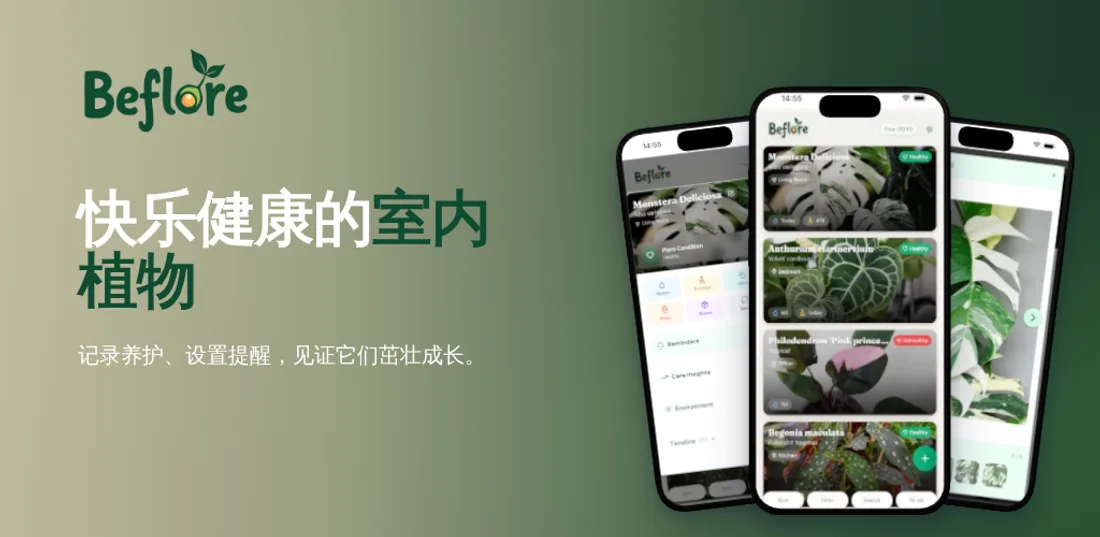
养植物,不该靠瞎猜。 Beflore 呵护每片叶子健康成长,浇水从不错过。拍照记录生长,养护同步到日历。
一套流程,一个编辑器。 全球发布。
-
截图
AI 根据你的截图自动完成设计。
-
宣传图
你的 Google Play 宣传图,在同一画布上完成。
-
商店文案
能提升转化的描述与关键词。
-
翻译 付费解锁
把所有文字翻译成 50 种 App Store 语言。
-
发布 付费解锁
直接发布至 Google Play 和 App Store Connect。
搭建与预览,始终免费。 只有在面向全球发布时才需要付费。
设计免费。 发布时才付费。
搭建、预览和保存始终免费,包括你的第一次 AI Designer 运行。准备好面向全球发布时,订阅套餐即可解锁无限导出、商店发布,以及翻译成全部 50 种 App Store 语言:Solo(€29.99/月,1 个应用)或 Studio(€49.99/月,最多同时 5 个应用)。AI 附加功能基于永不过期的点数运行。
Solo
- 无限导出与商店发布
- 覆盖全部 50 种语言、所有设备,含 AI 翻译
- 每月附带 5 个 AI 点数
- 设计始终保持可编辑,不会因购买而锁定
- 随时可取消,已付费月份内仍可继续使用
- 驱动 AI Designer(首次运行免费,之后每次 2 点数)和 AI 图像(每张 1 点数)
- 套餐:5 点数 €4.99 · 15 点数 €9.99 · 50 点数 €24.99 · 120 点数 €49.99
- 点数永不过期
功能对比
设计和预览始终免费——第一次 AI Designer 运行也已包含。订阅发布:只要是会员,就能无限导出与商店发布。
| 功能对比 | 免费版 €0 | Solo €29.99 / 月 | Studio €49.99 / 月 |
|---|---|---|---|
| 免费设计 | |||
| 完整编辑器:每一种设备框架、所有模板、全部图层工具 | |||
| 保存至浏览器,登录后还能免费同步云端 | |||
| 1 次免费 AI Designer 运行,生成完整可编辑的初稿 | |||
| 套餐解锁的内容 | |||
| 全分辨率导出 | 1 个面板 | 无限 | 无限 |
| 直接发布至 Google Play 和 App Store Connect | – | 无限 | 无限 |
| 覆盖全部 50 种 App Store 语言的 AI 翻译 | – | ||
| 覆盖的应用数量 | – | 1 个应用 | 最多同时 5 个应用 |
| 每月附带的 AI 点数 | – | 5 | 15 |
| 让 AI 为你的设计起步 | |||
| AI Designer——读取你的应用、撰写文案,起草完全可编辑的截图集(首次运行免费,之后每次 2 点数) | |||
| AI 图像与符合品牌的装饰元素,作为可编辑图层添加(每张图像 1 点数) | |||
| 每月附带的 AI 点数 | – | 每月 5 个 | 每月 15 个 |
| 获取免费设计 | 开通 Solo | 开通 Studio | |
或者从模板开始, 打造属于你的设计。
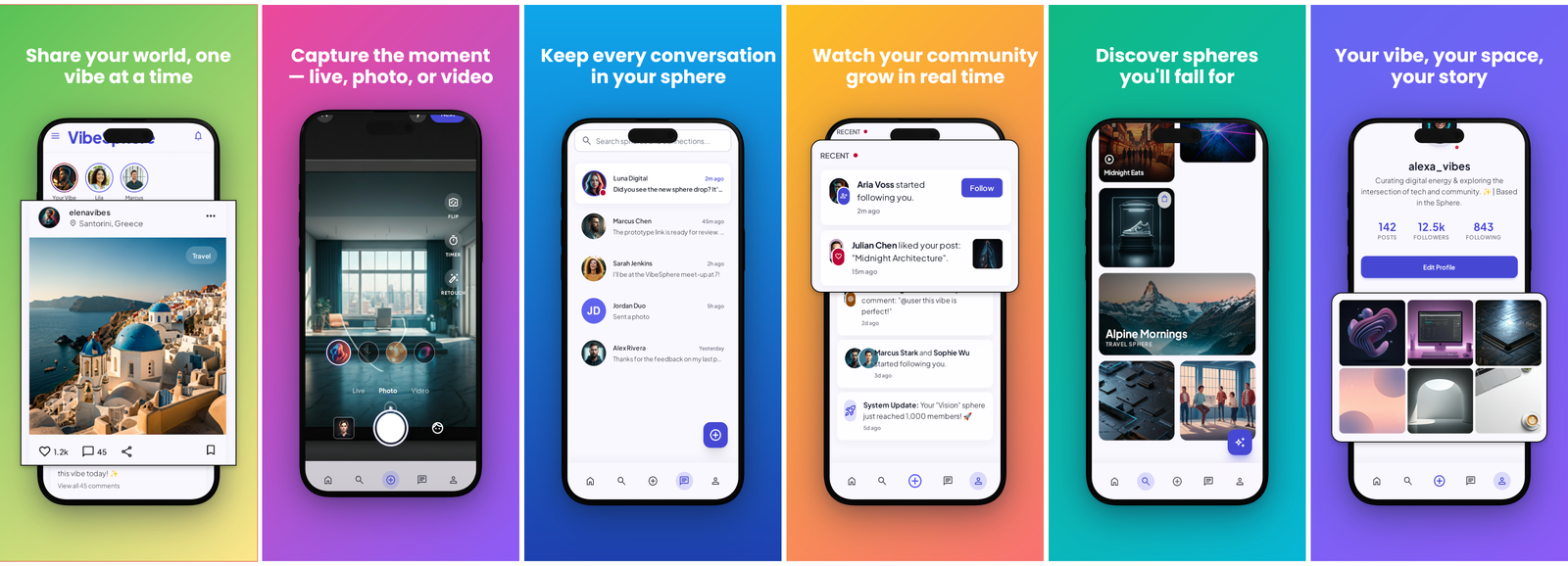
每个模板都是一套完整、随时可发布的轮播图:真实设备框架、渐变和文案均已配置妥当。选一个,放入你的截图,几分钟内即可获得一套设计好的作品。或者从空白画布开始,让 AI 帮你起草。
Social Media
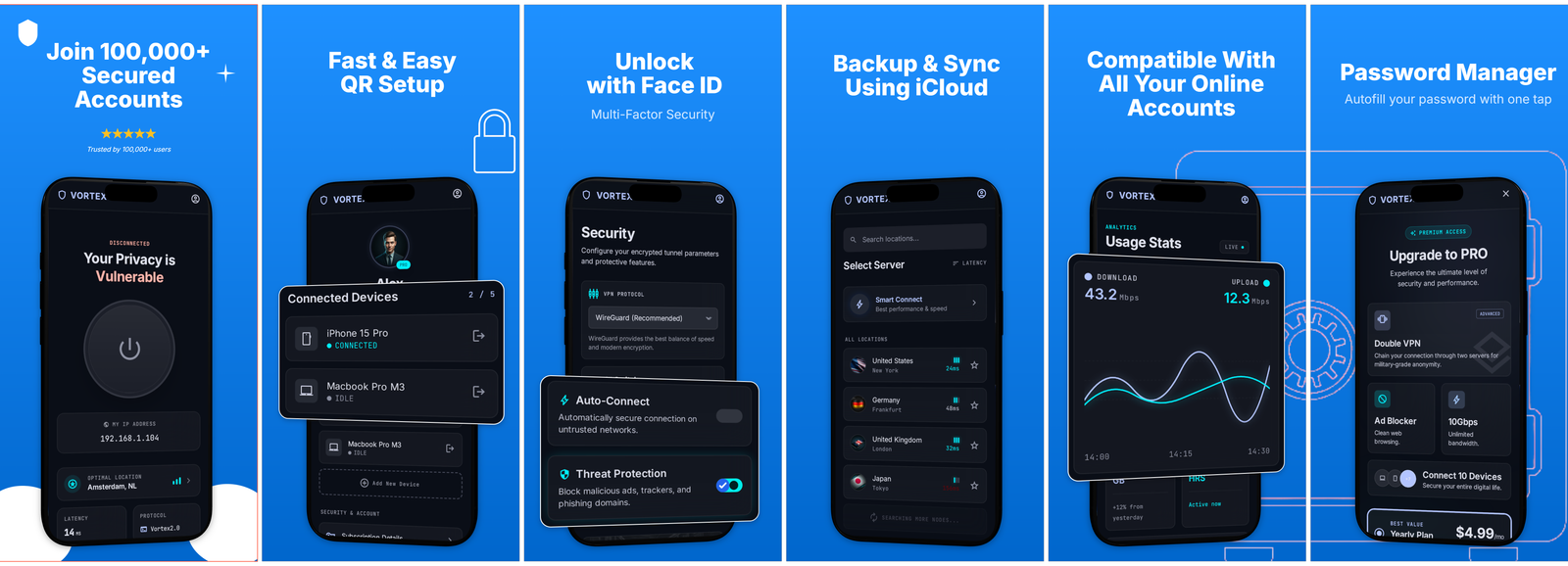
Password Manager
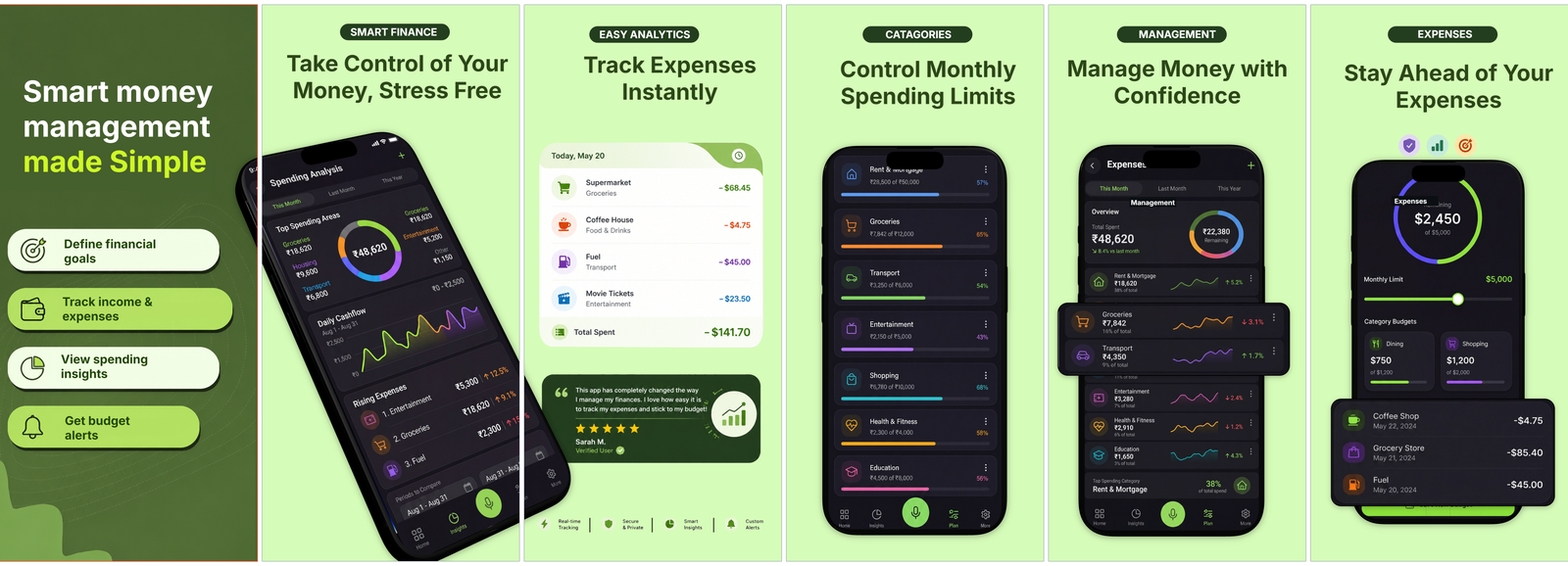
Money Tracker
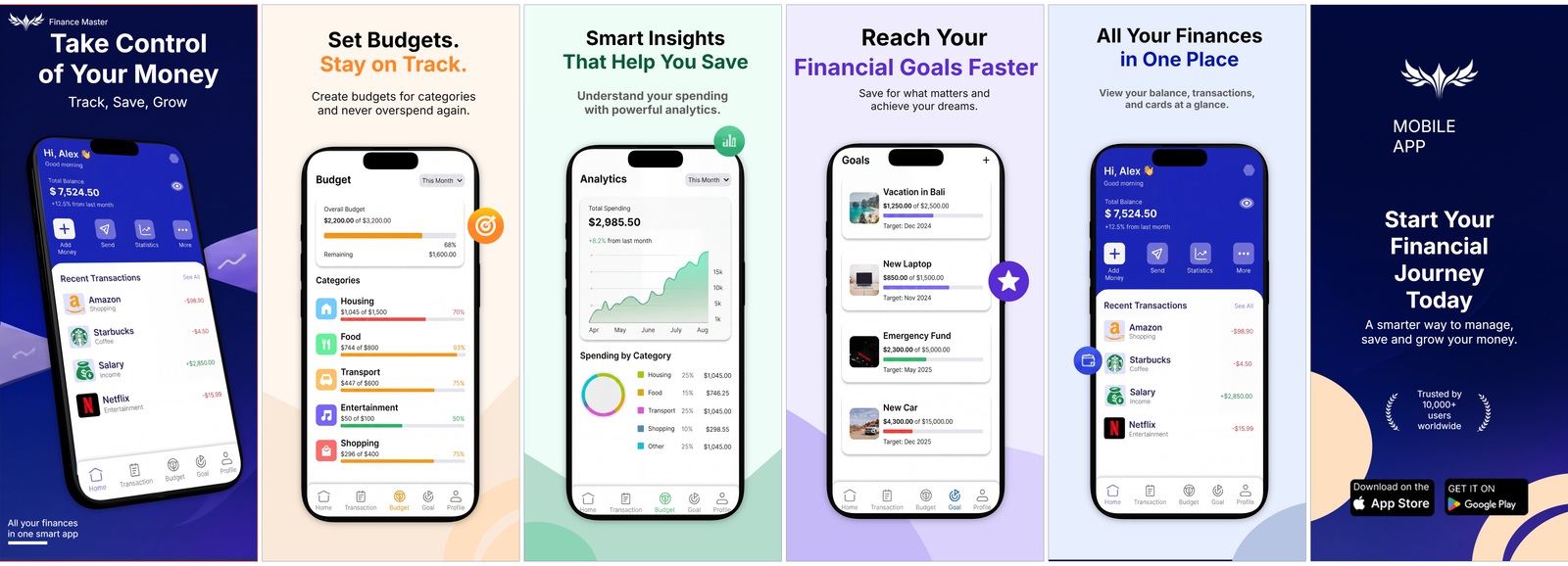
Finance Pro
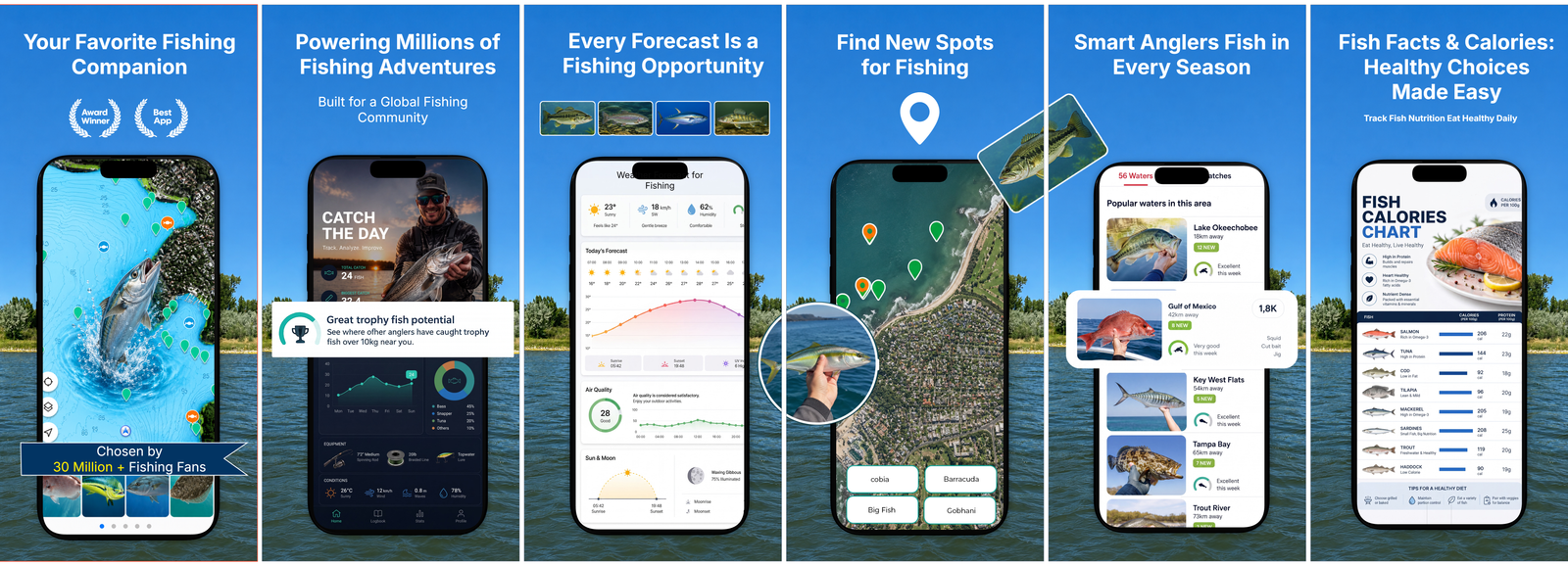
Fishing Companion
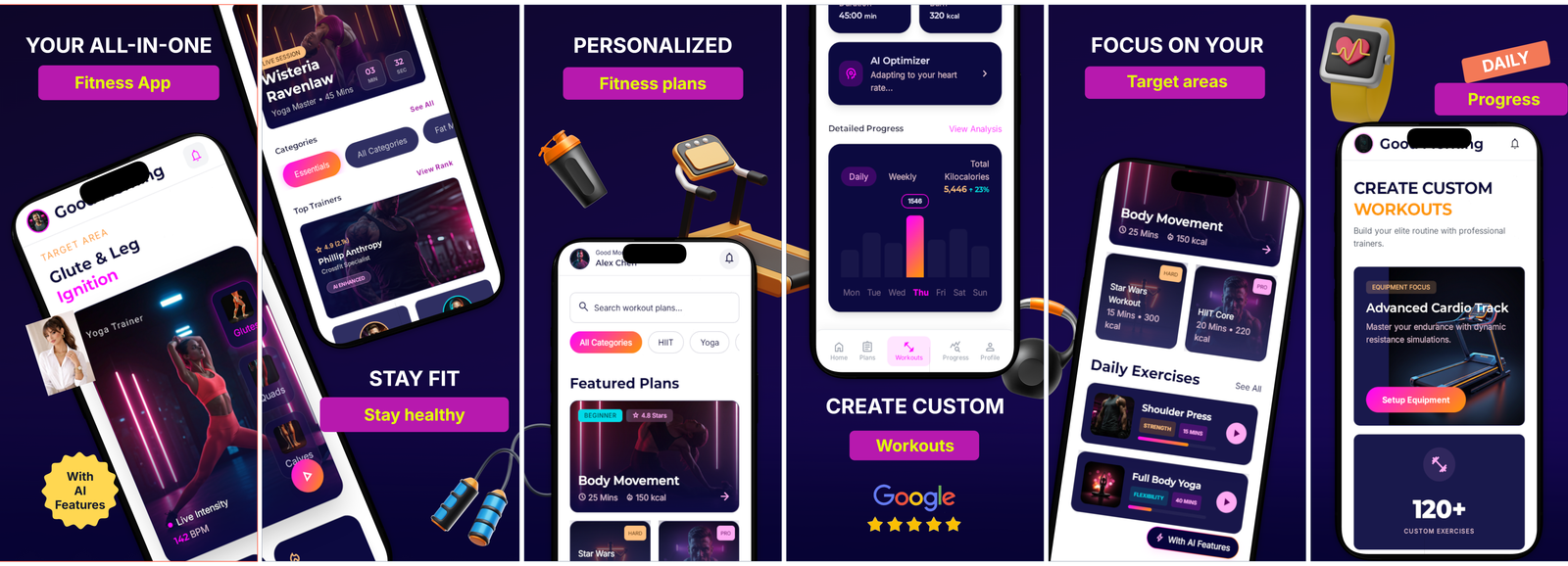
Fitness Studio
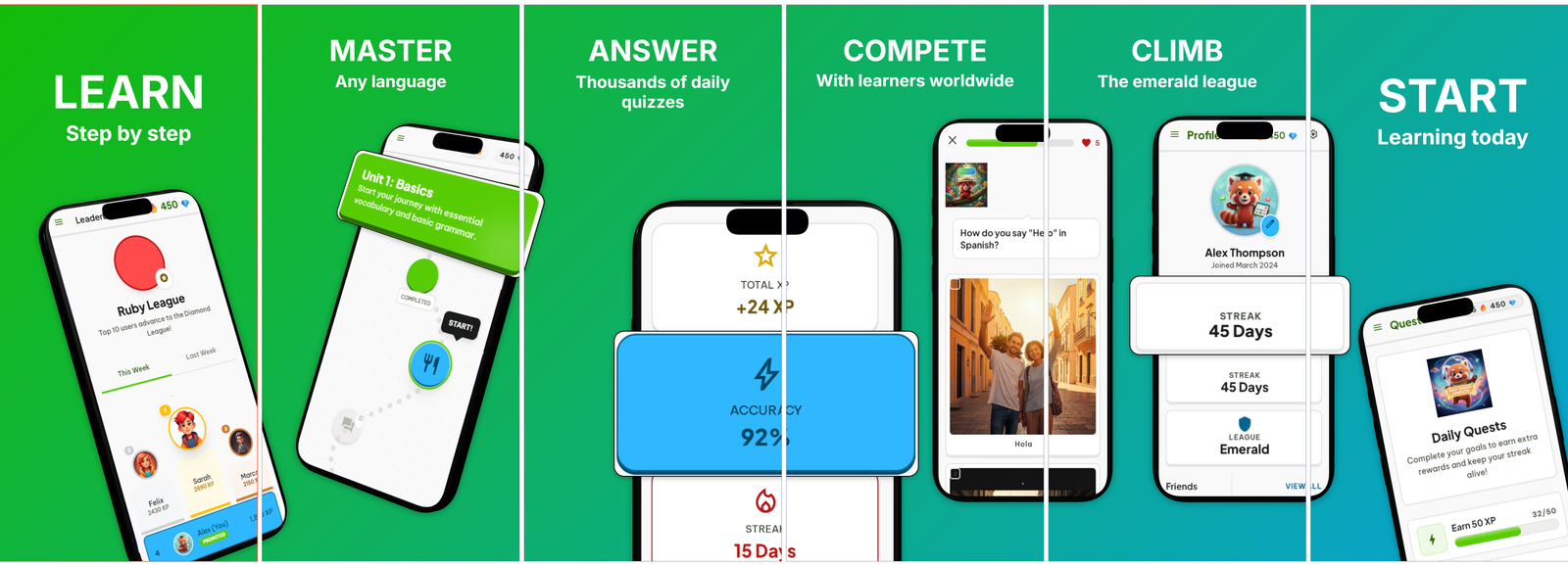
Language Learning
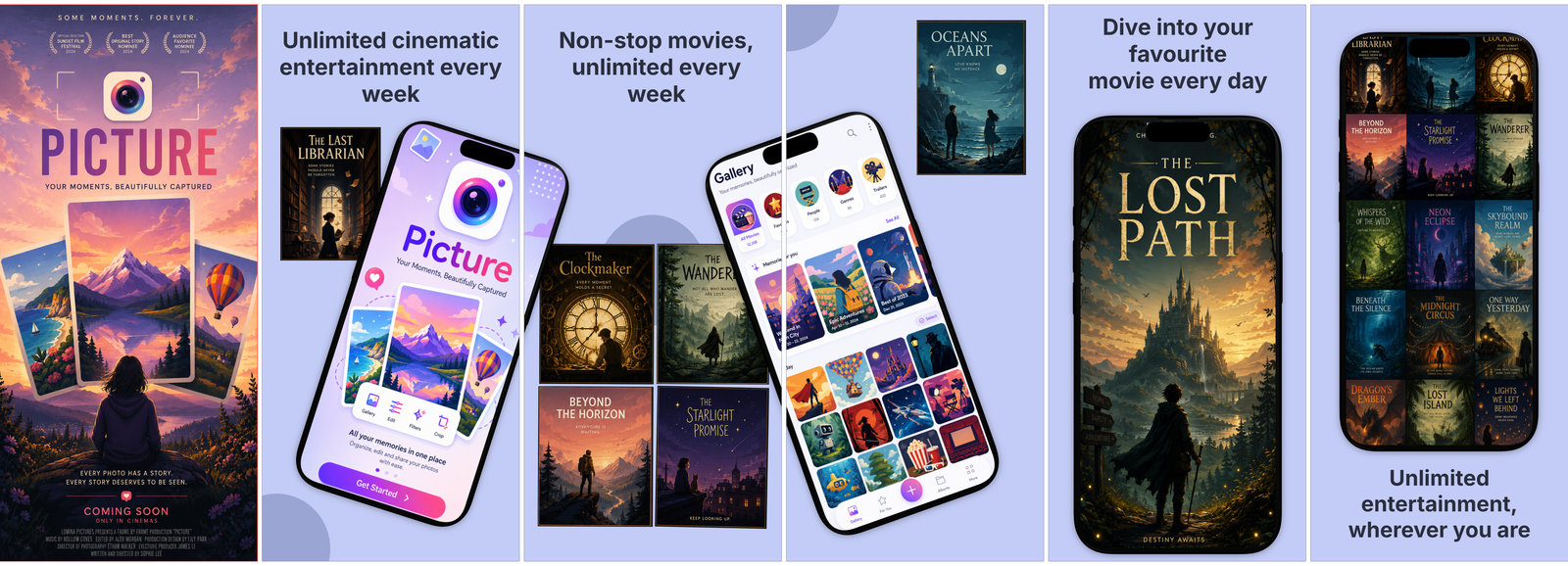
Movie Streaming
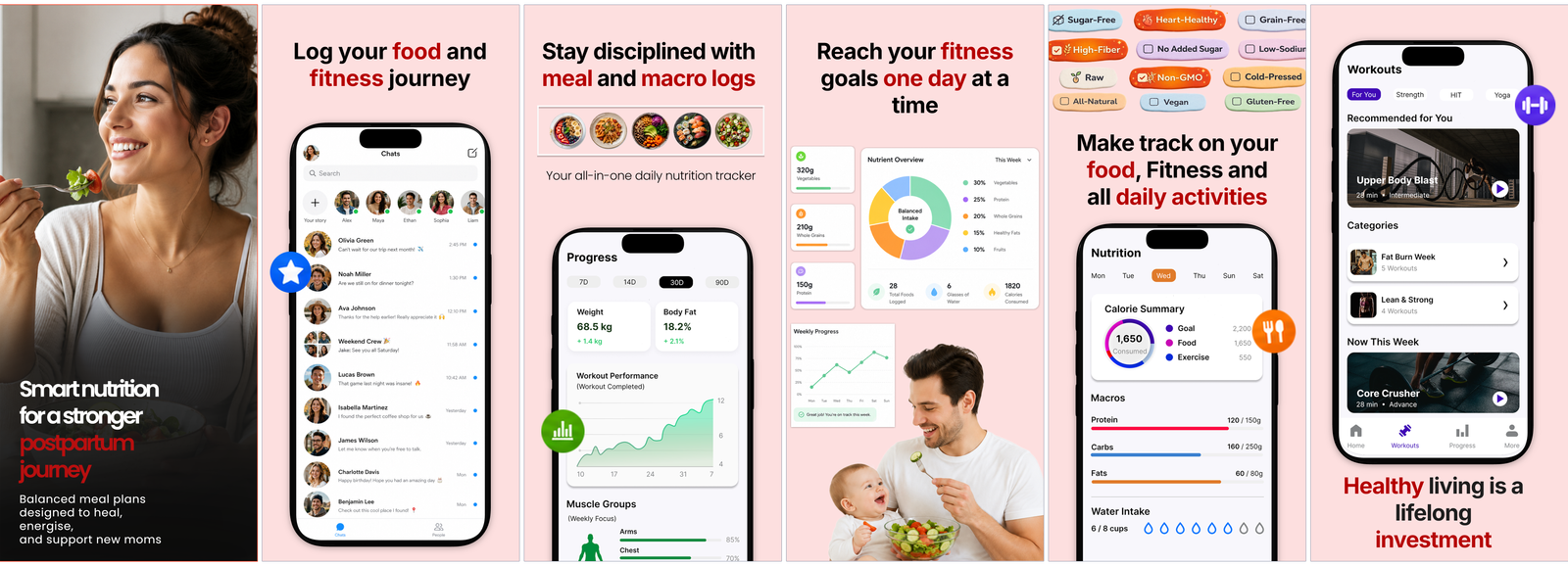
Postpartum Care
Blank start
常见 问题。
我需要具备设计能力才能做出好效果吗?
不需要。带上你应用的原始截图,AI Designer 会为你起草整套营销素材:卖点标题、真实设备框架、排版和品牌色。你只需排布和打磨。想从模板开始,或从零开始?同样可以,画布完全由你掌控。
那么我需要提供什么,Mokbi 又能做出什么?
你提供应用的原始截图。Mokbi 会把它们做成可直接上架的营销素材:装入真实设备框架、加上文案、排成轮播图,外加一张配套的宣传图和商店文案。之后它会把整份商店信息翻译成 50 种 App Store 语言,并发布到 Google Play 和 App Store Connect。你只需微调自己在意的细节,其余交给 Mokbi。
AI Designer 具体是怎么运作的?
它会读取你的截图(也可选读你的代码库),找出值得突出的卖点,对每张截图给出“出色 / 可用 / 重拍”的评估,为它们配对,选定品牌色,并起草一整套带标题的轮播图。一切都以可编辑图层呈现,没有任何黑箱操作。
AI 生成的内容可以编辑吗,还是已经固定了?
AI 生成的一切都会落为真实、可编辑的图层,绝不会被拍平固化。你可以重写文案、重设图案风格、更换设备、调整布局,之后还能重新翻译整套设计。AI 给你的是一个起点,而不是一个锁死的结果。
Mokbi 真的能发布到 App Store 和 Google Play 吗?
可以。连接你的商店账号后,Mokbi 会通过 Play Developer API 把商店文案和截图直接推送到 Google Play,并在 App Store Connect 中准备好 App Store 版本,等你提交。在你确认之前,不会有任何内容上线。
不会说 50 种语言,要怎么面向全球发布?
一键即可将每条文案和商店文本翻译成全部 50 种 App Store 语言,由 Anthropic 的 Claude 驱动。实时语言切换器让你在发布前检查每个语言版本,所有翻译内容也始终可编辑,方便你调整措辞。
哪些是免费的,我什么时候需要付费?
搭建、预览和保存始终免费,包括你的第一次 AI Designer 运行。只有在面向全球发布时才需要付费:无限导出、直接发布至商店,以及翻译成全部 50 种语言。Solo 每月 €29.99,覆盖 1 个应用;Studio 每月 €49.99,最多可同时覆盖 5 个应用;AI 附加功能基于永不过期的点数运行。
我的项目可以保留多久?
想保留多久就多久。项目保存在你的浏览器里,登录后还会同步到云端,两者都免费。订阅只影响“发布”环节(导出、翻译与商店发布),从不影响你的工作成果:取消后,你可以继续使用到当前计费周期结束,而项目依然是你的,依然保存着,也依然可以编辑。
平板设计是自动生成的吗?
是的。你的平板设计一开始会自动镜像手机设计,让 iPad 和 Android 平板尺寸都无需额外操作即可覆盖。想为平板单独调整?切换到平板视图进行编辑:从那次编辑起,设计就会独立于手机设计,导出时也会自动使用这一版设计。
Mokbi 遵循 ASO 最佳实践吗?
它正是围绕这些实践打造的。文案先讲卖点而非罗列功能、两大应用商店要求的精确像素尺寸、覆盖全部 50 种 App Store 语言的本地化,还有按照高转化设计套路来起草的 AI Designer。指南和博客记录了每个选择背后的原因,你可以自行查证。
如果之前版本的页面效果更好怎么办?
每次发布都会自动保存整个页面的快照:截图、宣传图、商店文案和翻译。打开发布历史,一键即可把任意早期版本恢复到编辑器中——什么都不会丢失。