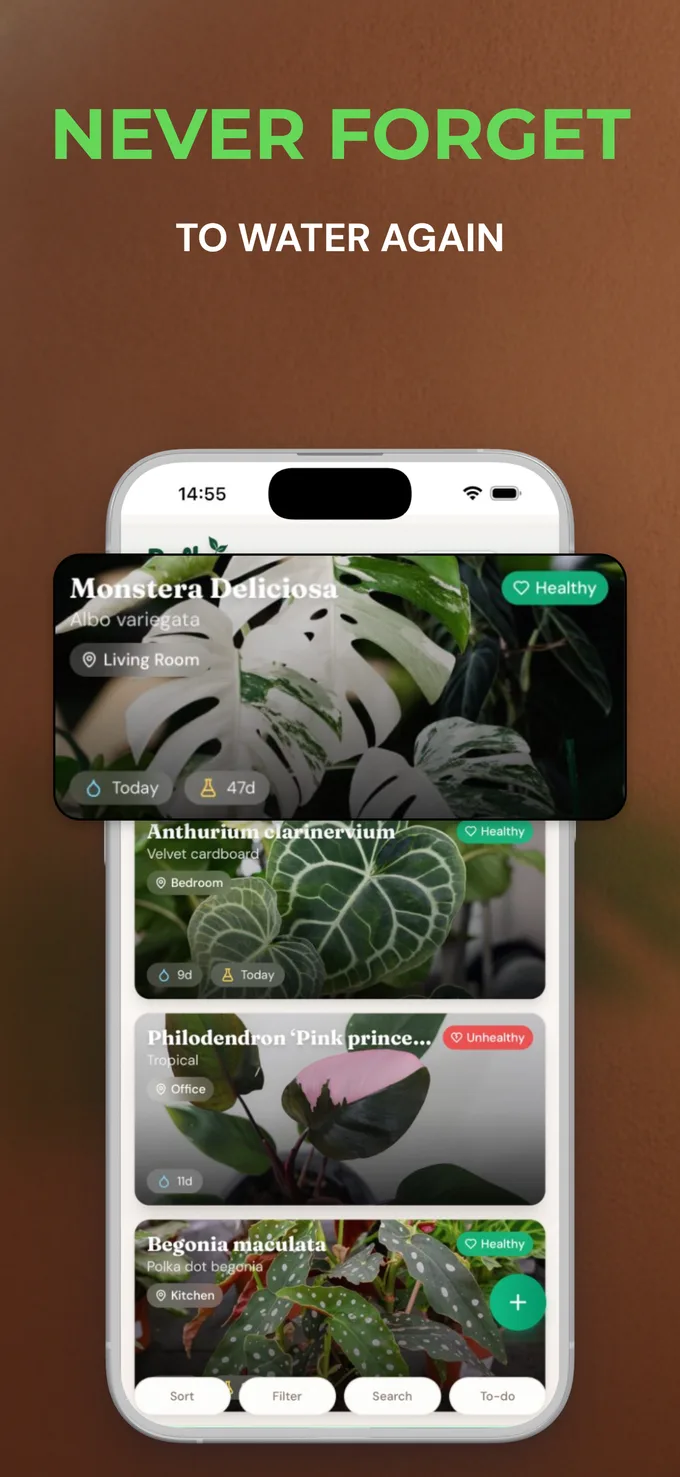
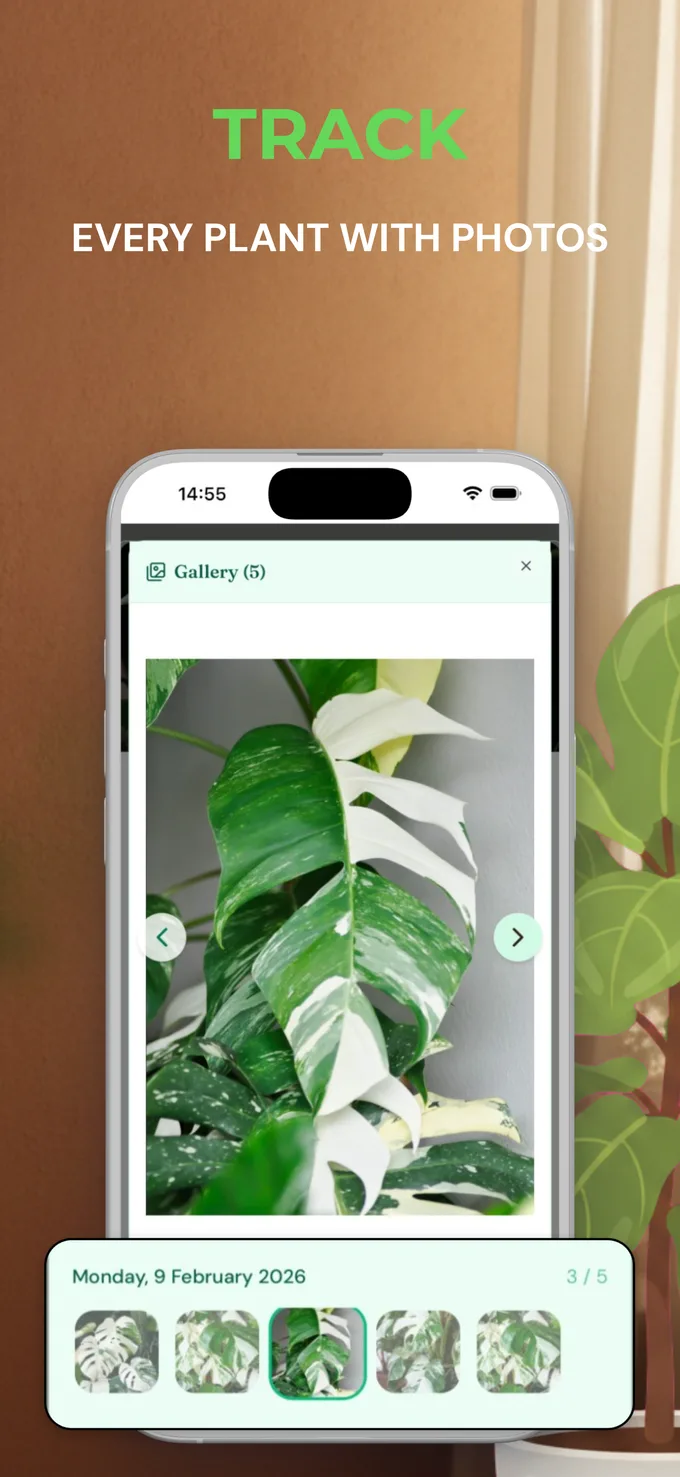
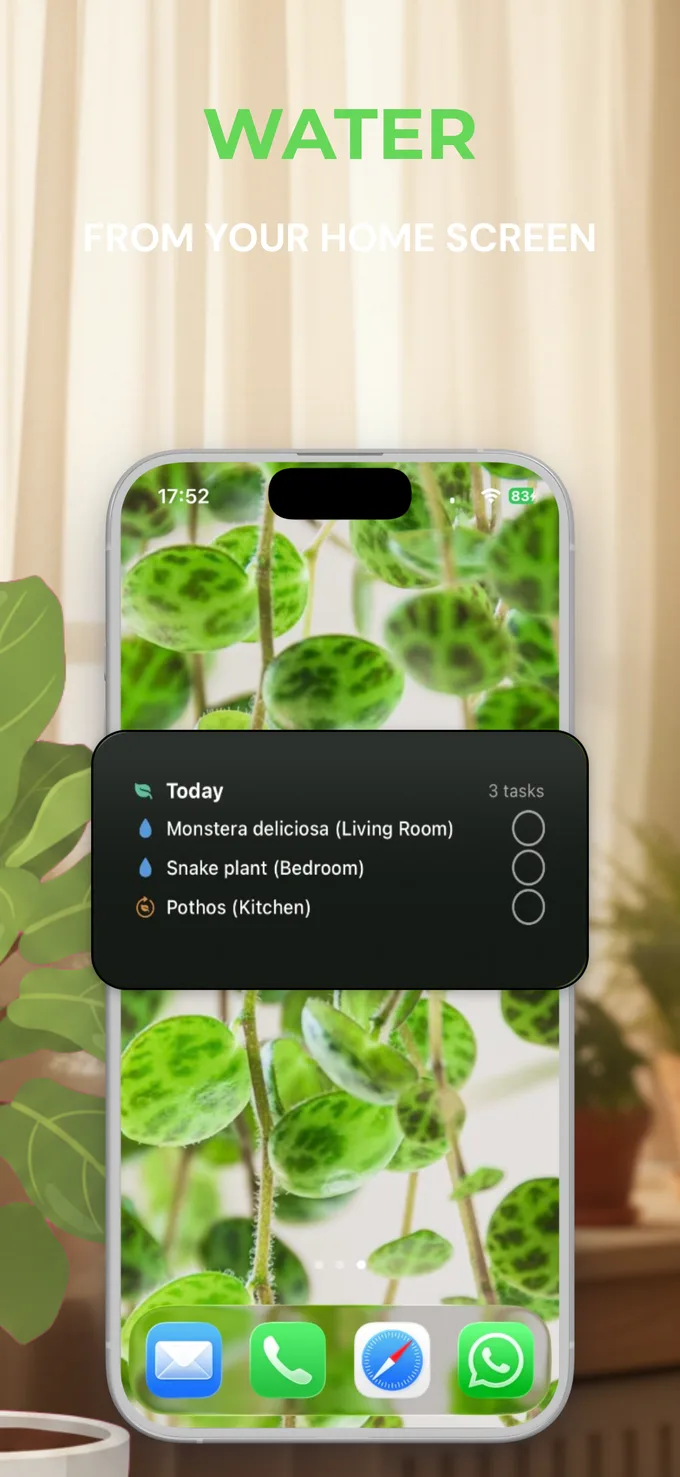
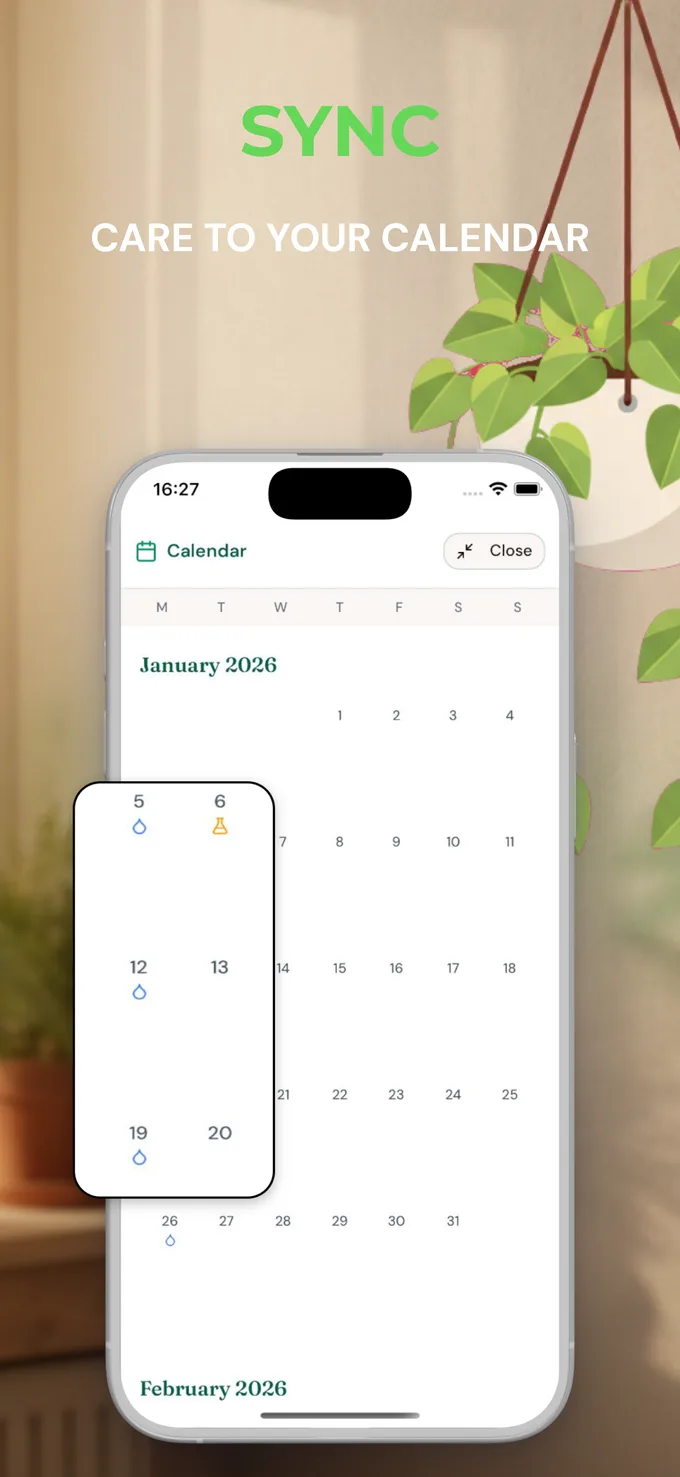
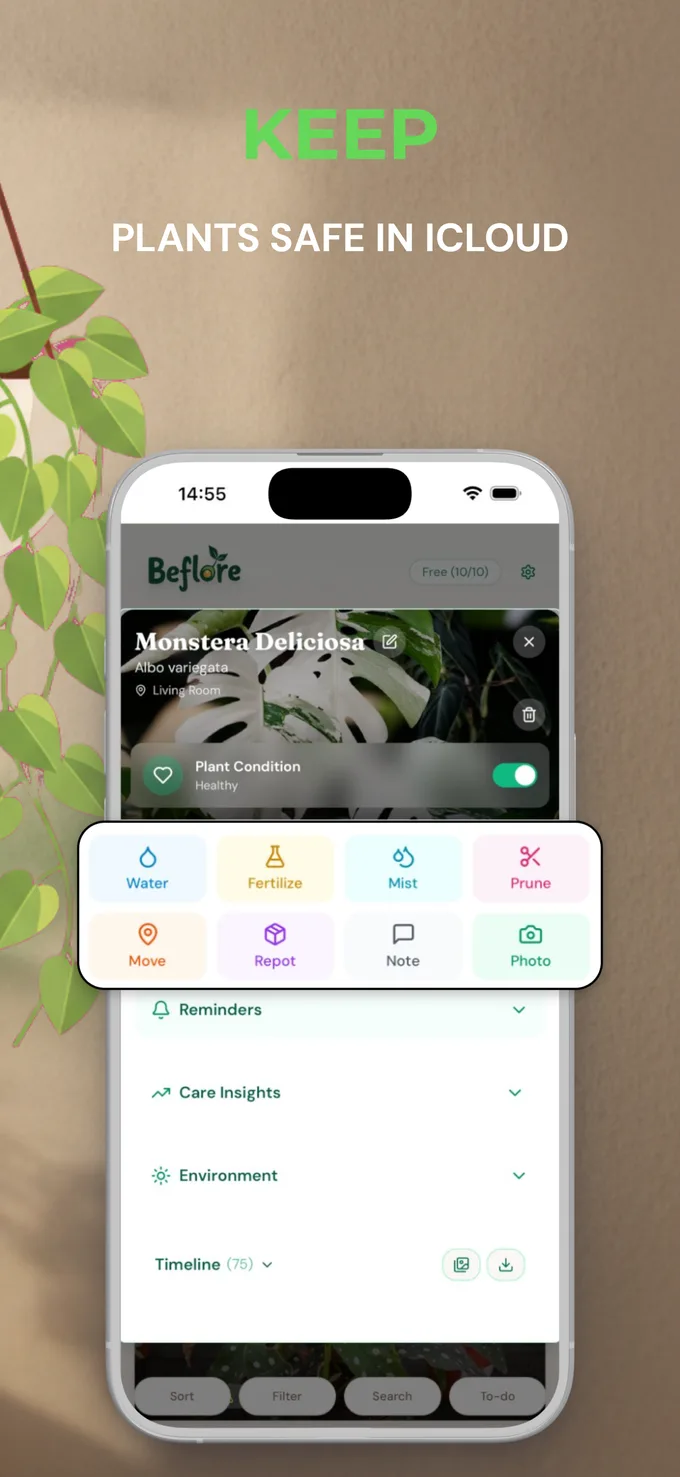
Launch your entire app store listing in minutes.
- Screenshots & feature graphic
- Store copy, written for you
- Translated into 50 languages
- Published to both stores
The feature graphic, designed too.
Your Google Play feature graphic, built on the same canvas as the screenshots. Ready to publish, yours to tweak.
Store text, written for you.
Description, keywords and promo text for both stores. A strong first draft you refine in your own voice.
50 languages, then published.
One click translates the whole listing, then Mokbi ships it to the App Store and Google Play. You pay only when you publish.
Fully editable. Pay only when you're ready to publish globally.
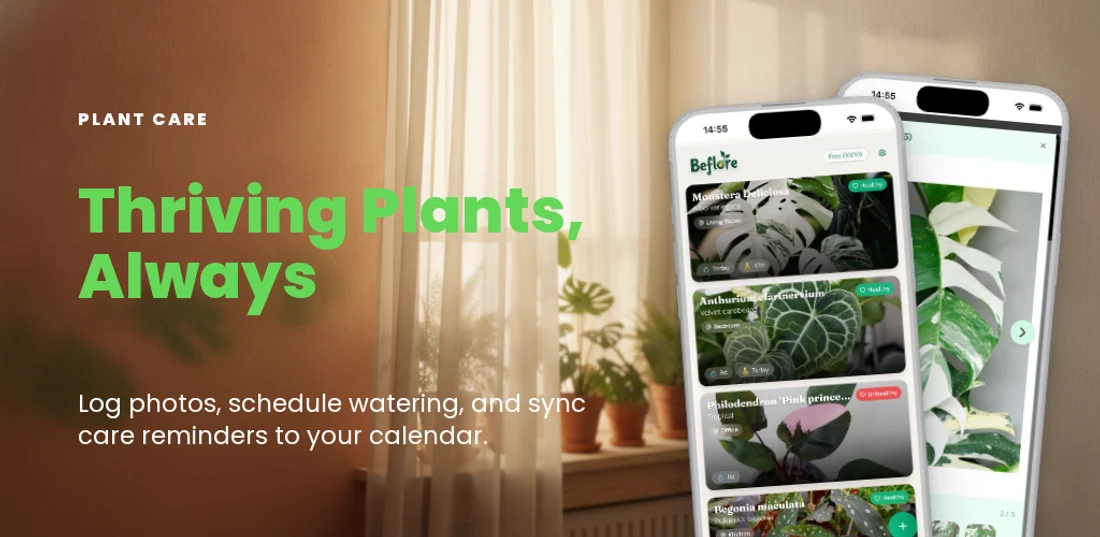
Your plants deserve better than guesswork. Beflore keeps every leaf healthy and every watering on schedule. Track with photos and sync your care to your calendar.
One flow. One editor. Global launch.
-
Screenshots
Designed by AI from your app's screenshots.
-
Feature graphic
Your Google Play feature graphic, on the same canvas.
-
Store text
Descriptions and keywords that convert.
-
Translate Pay to unlock
Every word into 50 App Store languages.
-
Publish Pay to unlock
Straight to Google Play and App Store Connect.
Free to build & preview. You pay only to go global.
Free to make. Pay to ship.
Building, previewing and saving are always free, including your first AI Designer run. When you're ready to go global, a plan unlocks unlimited exports, store translation into all 50 App Store languages, and direct publishing: Solo (€29.99/month, 1 app) or Studio (€49.99/month, up to 5 apps at once). AI extras run on credits that never expire.
Free
- Full editor, no feature lock
- All device frames and export formats
- Multi-panel carousels with spanning layers
- ONE free AI Designer run, a full editable draft
Solo
- Unlimited exports and store publishing
- All 50 languages, every device, AI translation included
- 5 AI credits included every month
- Designs stay editable, no purchase lock
- Cancel anytime, access to the end of the paid month
Studio
- Everything in Solo, for up to 5 apps at once
- 15 AI credits included every month
- Power the AI Designer (first run free, then 2 credits per run) and AI images (1 credit each)
- Packs: 5 credits €4.99 · 15 credits €9.99 · 50 credits €24.99 · 120 credits €49.99
- Credits never expire
Compare what you get
Designing and previewing are always free, and your first AI Designer run is included. Subscribe to ship: unlimited exports and store publishing for as long as you are a member.
| Compare what you get | Free €0 | Solo €29.99 / month | Studio €49.99 / month |
|---|---|---|---|
| Design for free | |||
| Full editor: every device frame, every template, all layer tools | |||
| Save in your browser, plus free cloud sync once you sign in | |||
| One free AI Designer run, a full editable draft | |||
| What a plan adds | |||
| Full-resolution export | 1 panel | Unlimited | Unlimited |
| Publish straight to Google Play & App Store Connect | – | Unlimited | Unlimited |
| AI translation across all 50 App Store languages | – | ||
| Apps covered | – | 1 app | 5 apps at once |
| AI credits included every month | – | 5 | 15 |
| Let AI kick-start your design | |||
| AI Designer: reads your app, writes your captions and drafts a fully editable set (first run free, then 2 credits per run) | |||
| AI images & on-brand decorations, added as editable layers (1 credit per image) | |||
| AI credits included every month | – | 5 / month | 15 / month |
| Get your free design | Start Solo | Start Studio | |
Or start from a template and make it your own.
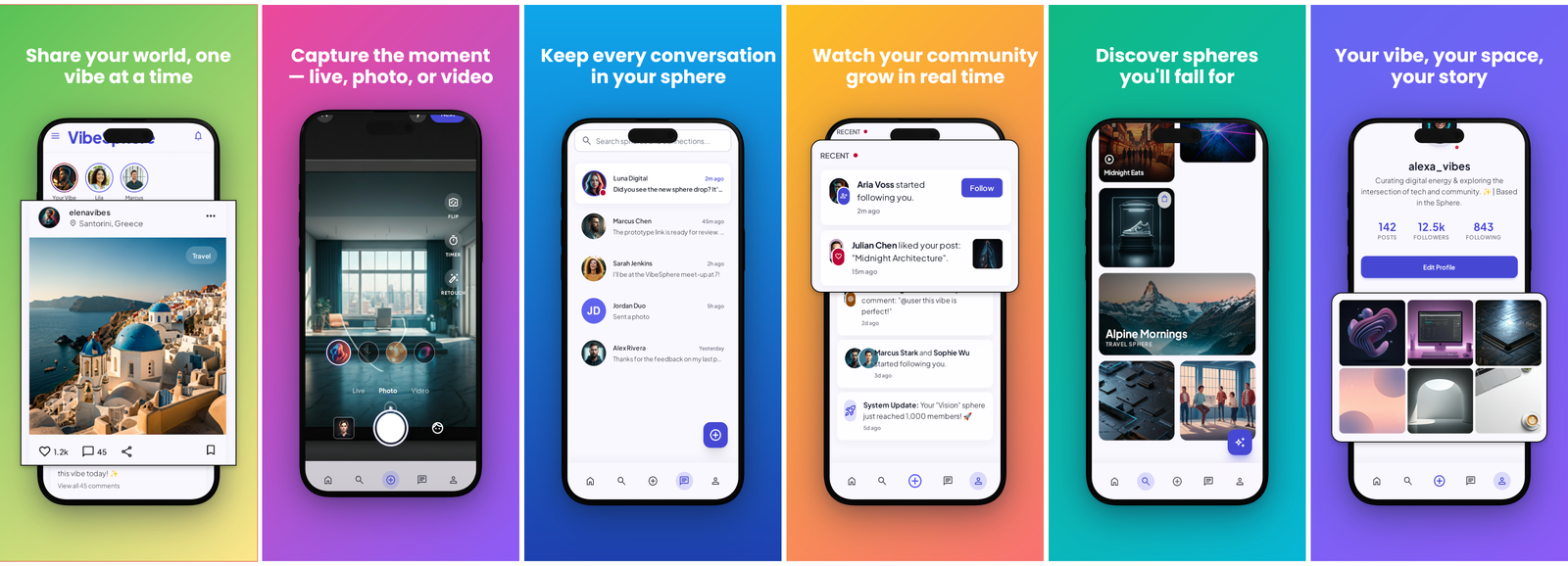
Each template is a complete, ready-to-ship carousel: real device frames, gradients and captions already in place. Pick one, drop in your screenshots, and you have a designed set in minutes. Or start from a blank canvas and let the AI draft it.
Social Media
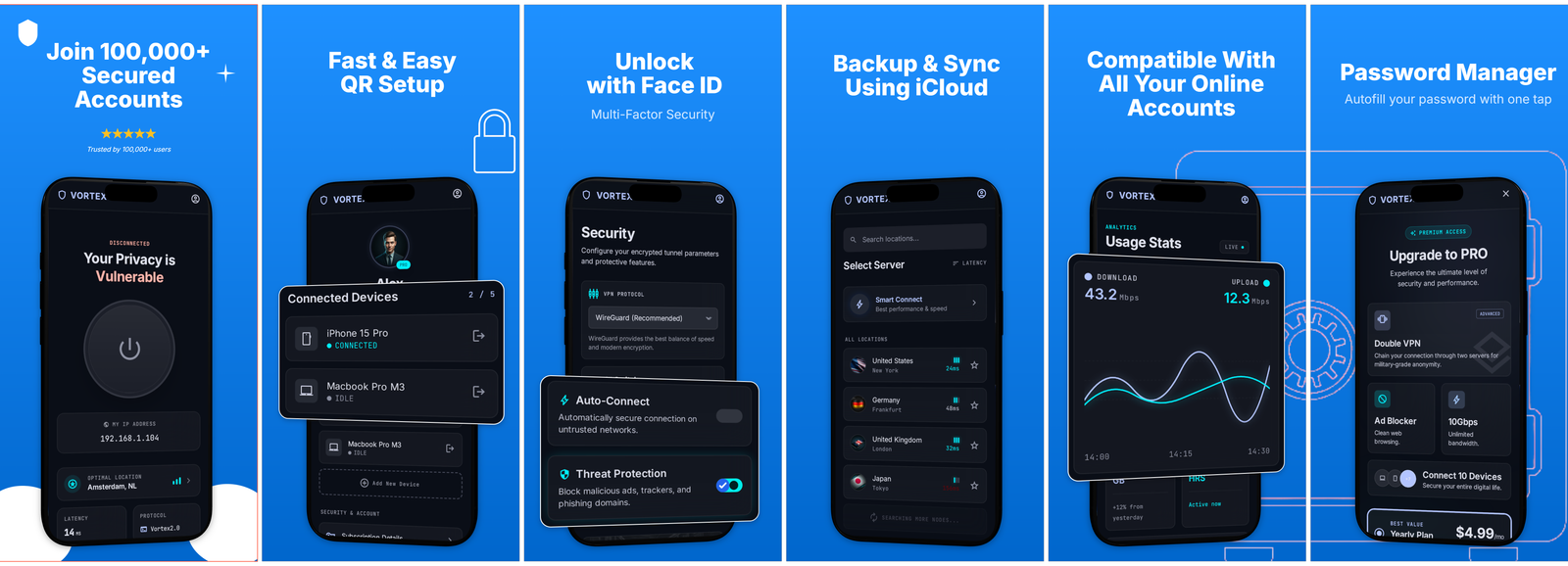
Password Manager
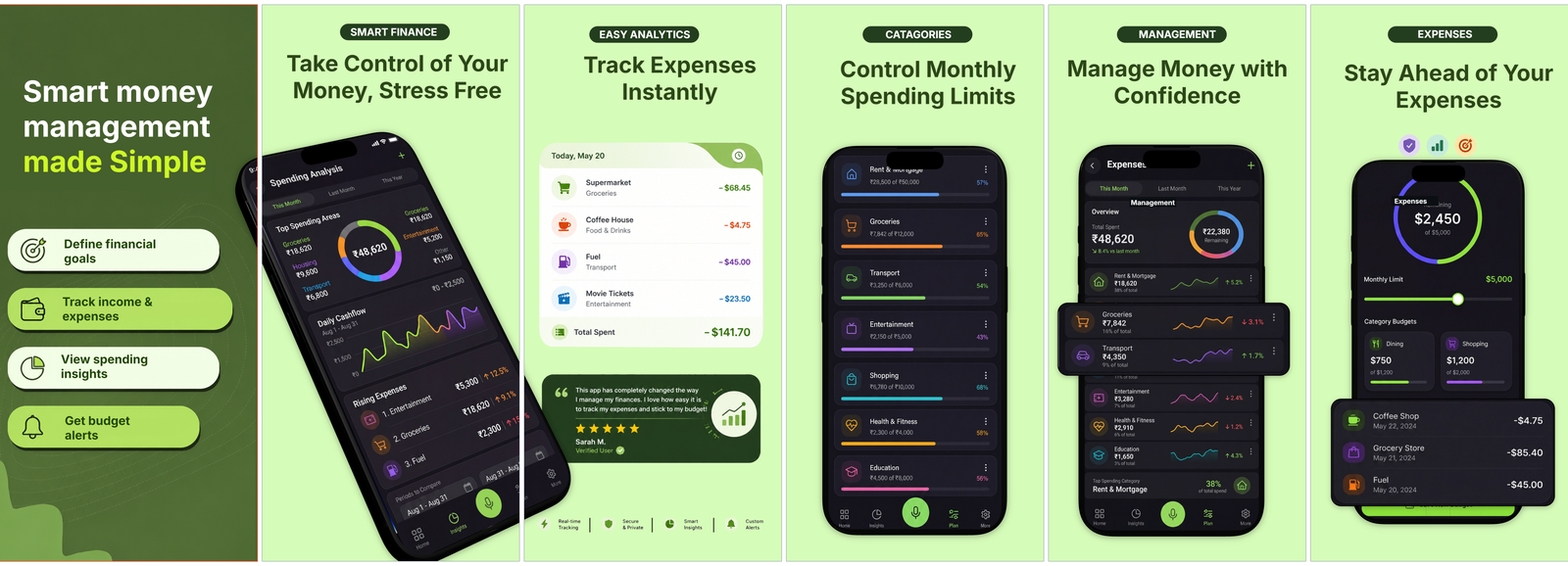
Money Tracker
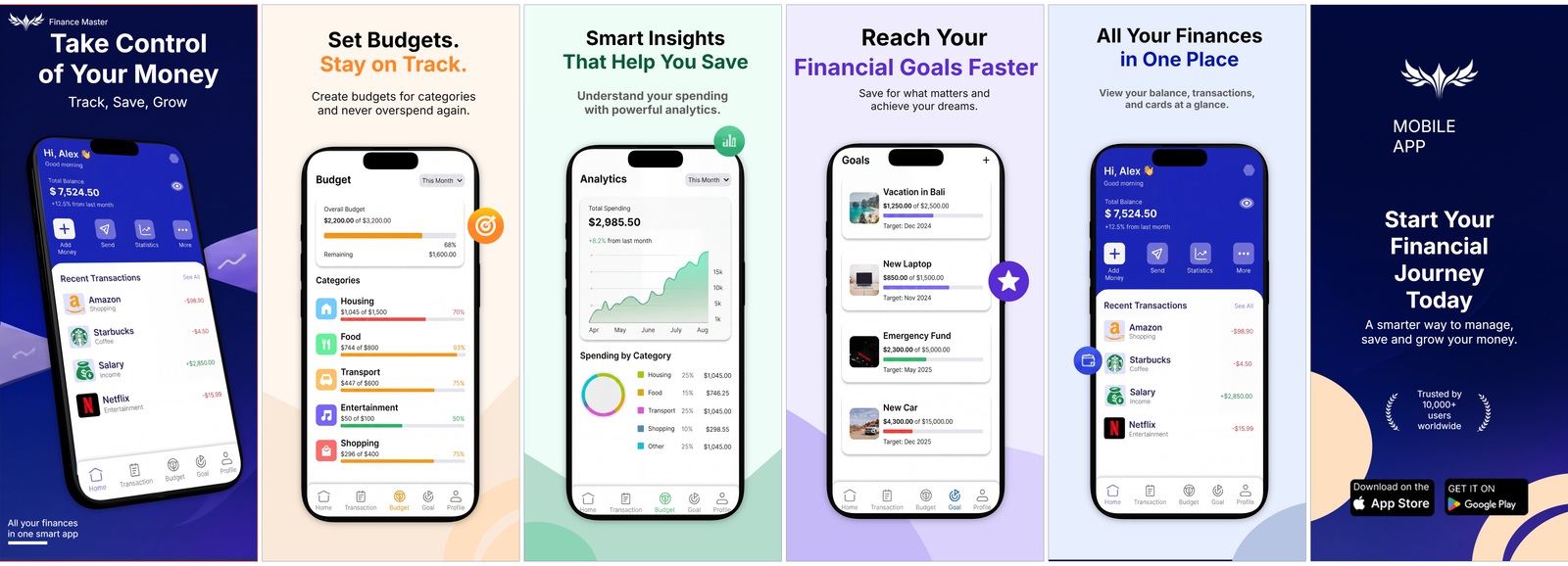
Finance Pro
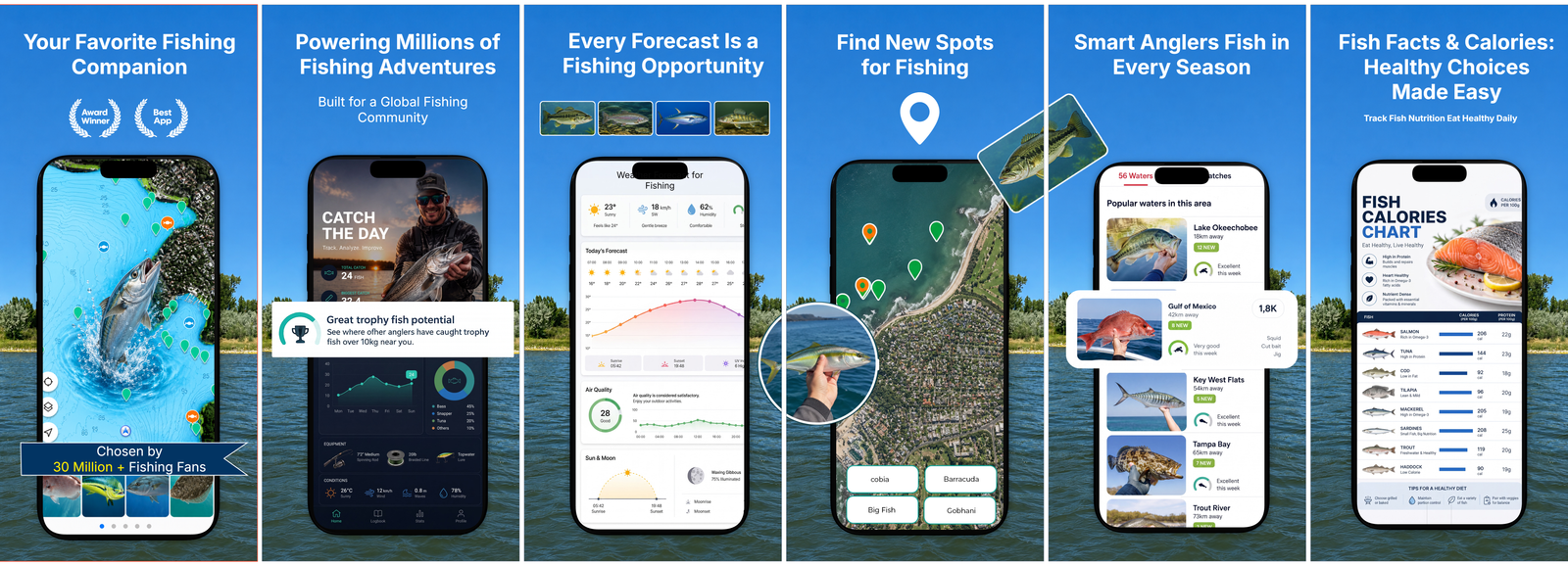
Fishing Companion
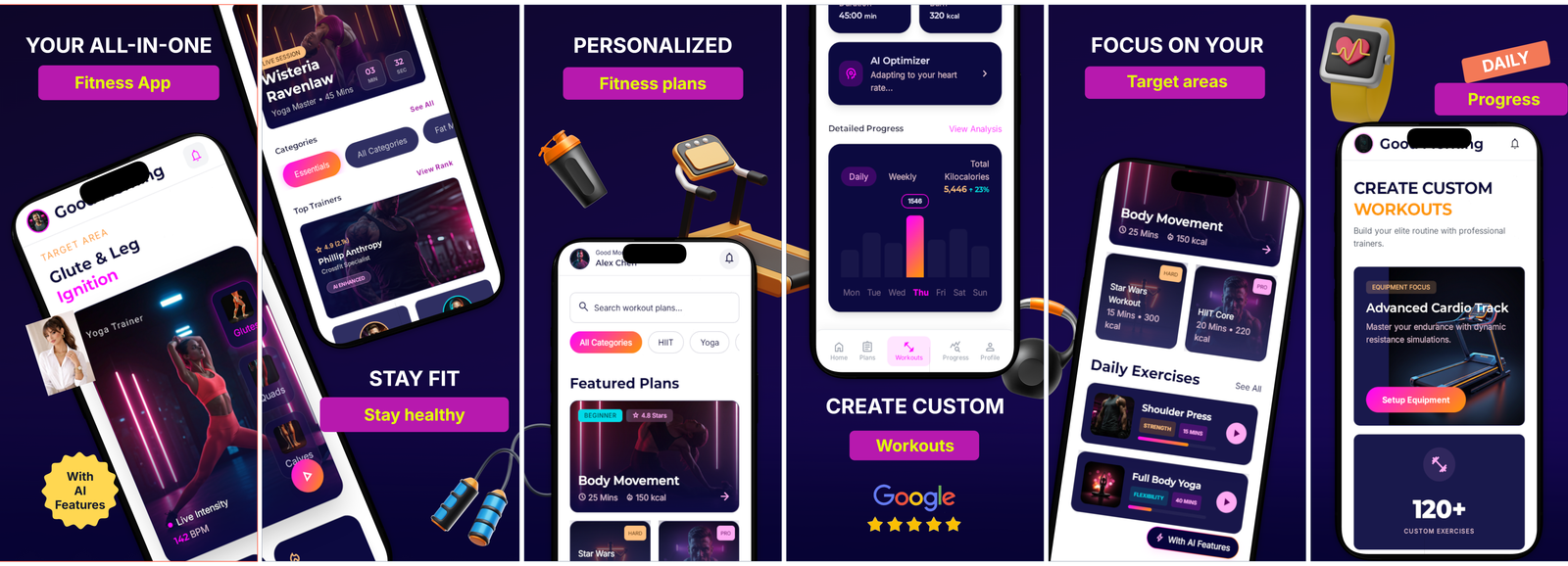
Fitness Studio
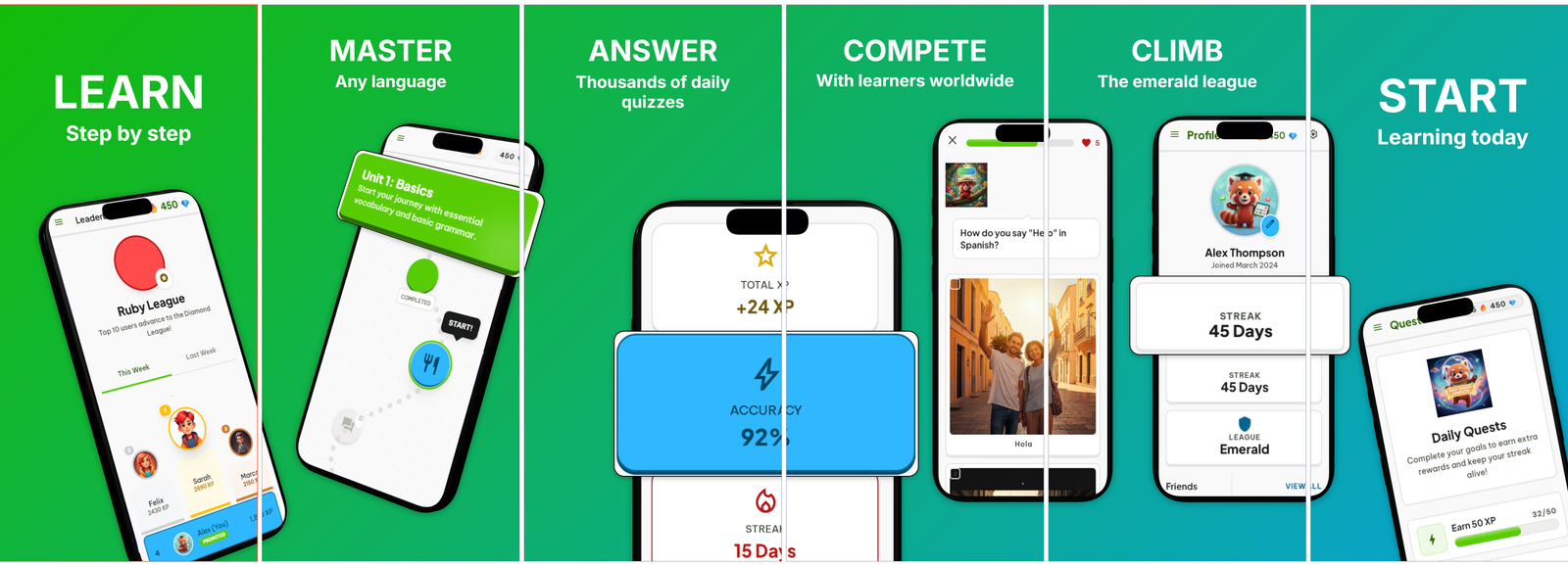
Language Learning
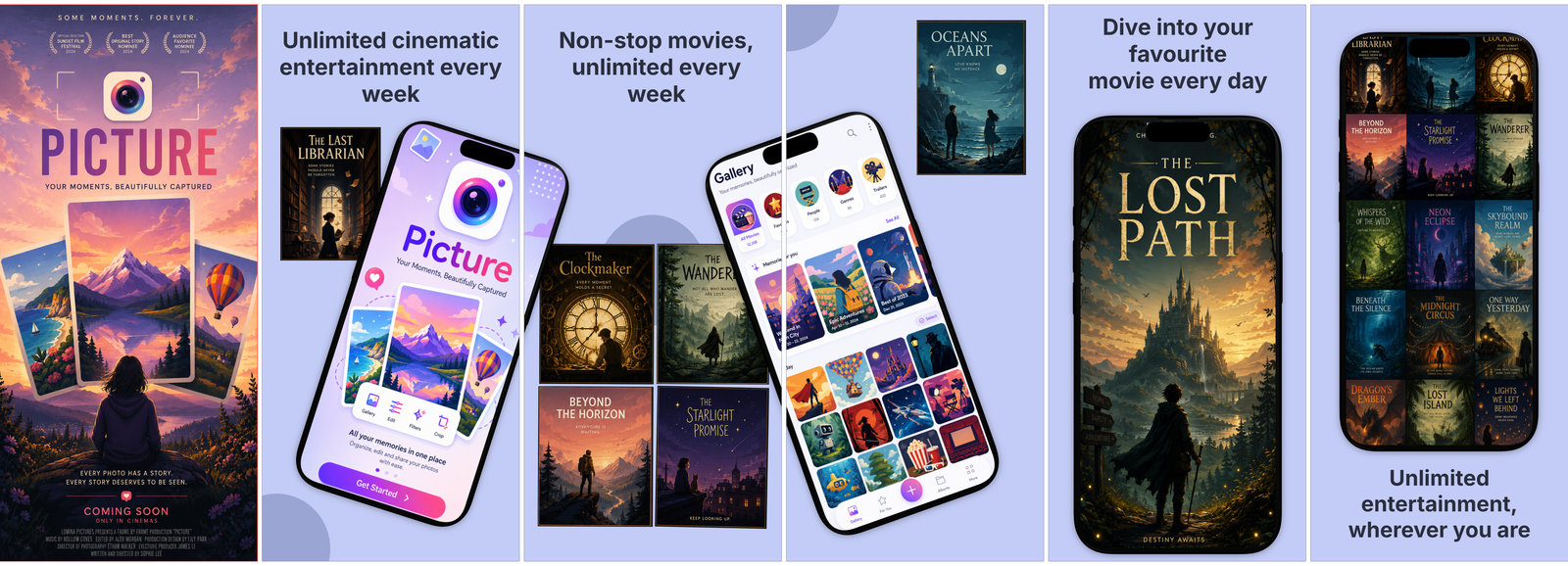
Movie Streaming
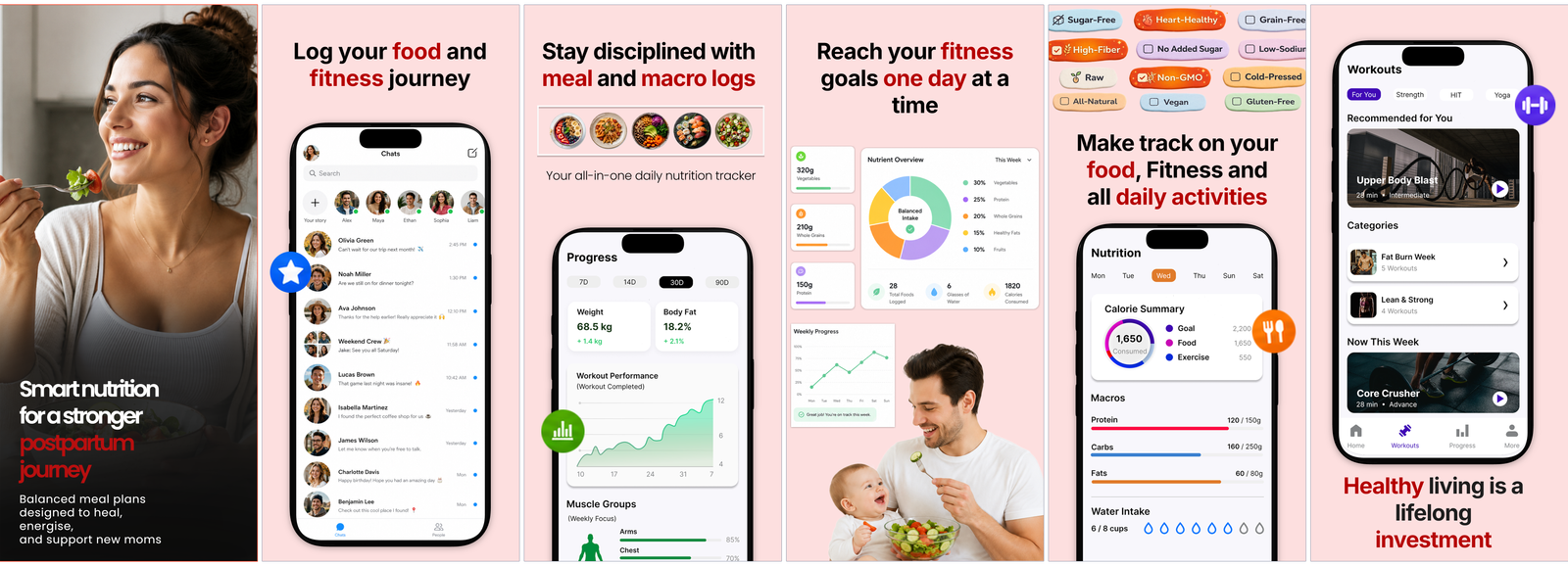
Postpartum Care
Blank start
Common questions.
Do I need to be a designer to get a good result?
No. Bring your app's raw screenshots and the AI Designer drafts the full marketing set for you: benefit headlines, real device frames, layout and a brand color. You just arrange and polish. Prefer to start from a template, or from scratch? That works too, the canvas is yours.
So what do I bring, and what does Mokbi make?
You bring the raw screenshots from your app. Mokbi turns them into marketing shots ready for the store: framed in real devices, captioned, and arranged into a carousel, plus a matching feature graphic and store text. Then it translates the whole listing into 50 App Store languages and publishes it to Google Play and App Store Connect. You finetune what you care about, and Mokbi handles the rest.
How does the AI Designer actually work?
It reads your screenshots, and optionally your codebase, to find the benefits worth selling. It reviews each shot as Great, Usable or Retake, pairs them up, picks a brand color, and drafts a complete carousel with headlines. Everything arrives as editable layers, so nothing is a black box.
Can I edit what the AI makes, or is it baked in?
Everything the AI makes lands as real, editable layers, never flattened. You can rewrite captions, restyle art, swap the device, move things around, and translate the whole set again afterwards. The AI gives you a running start, not a locked result.
Does Mokbi really publish to the App Store and Google Play?
Yes. Connect your stores and Mokbi pushes your listing text and screenshots straight to Google Play through the Play Developer API, and stages the App Store version in App Store Connect, ready for you to submit. Nothing goes live until you say so.
How do I go global without speaking 50 languages?
One click translates every caption and your store text into all 50 App Store languages, powered by Anthropic's Claude. A live language switcher lets you check each locale before you ship, and every translation stays editable in case you want to adjust the wording.
What is free, and when do I pay?
Building, previewing and saving are always free, including your first AI Designer run. You pay only when you go global: unlimited exports, direct store publishing, and translation into all 50 languages. Solo is €29.99 a month for one app, Studio €49.99 for up to five at once, and AI extras run on credits that never expire.
How long can I access my projects?
For as long as you want. Projects live in your browser and, when you sign in, sync to the cloud, both free. A subscription only gates shipping (export, translation and store publishing), never your work: cancel and you keep paid access until the end of the billing month, while your projects stay yours, stay stored, and stay editable.
Are tablet designs generated automatically?
Yes. Your tablet design starts as an automatic mirror of your phone design, so the iPad and Android-tablet sizes are covered without extra work. Want tablet-specific tweaks? Switch to the tablet view and edit: from that first edit it is independently editable, and your exports use it automatically.
Does Mokbi follow ASO best practices?
It is built around them. Benefit-first captions instead of feature lists, the exact pixel dimensions both stores require, localization into all 50 App Store languages, and an AI Designer that drafts along the patterns that convert. The guides and blog document the reasoning behind each choice, so you can check our homework.
What if a previous version of my listing worked better?
Every publish automatically saves a snapshot of your whole listing: screenshots, feature graphic, store text and translations. Open your release history, and restore any earlier version into the editor with one click — nothing is ever lost.
Try it before you decide anything.
No card, no account, no email. Open the editor, see if it clicks.
Get your free design