· ASO
When Apple changes the App Store layout
The layout shifts 2023–2026 and what each one did to screenshot conversion patterns. Plus how to spot the next one early.
Long-form posts on the design and conversion side of App Store carousels. Updated as we ship.
The layout shifts 2023–2026 and what each one did to screenshot conversion patterns. Plus how to spot the next one early.
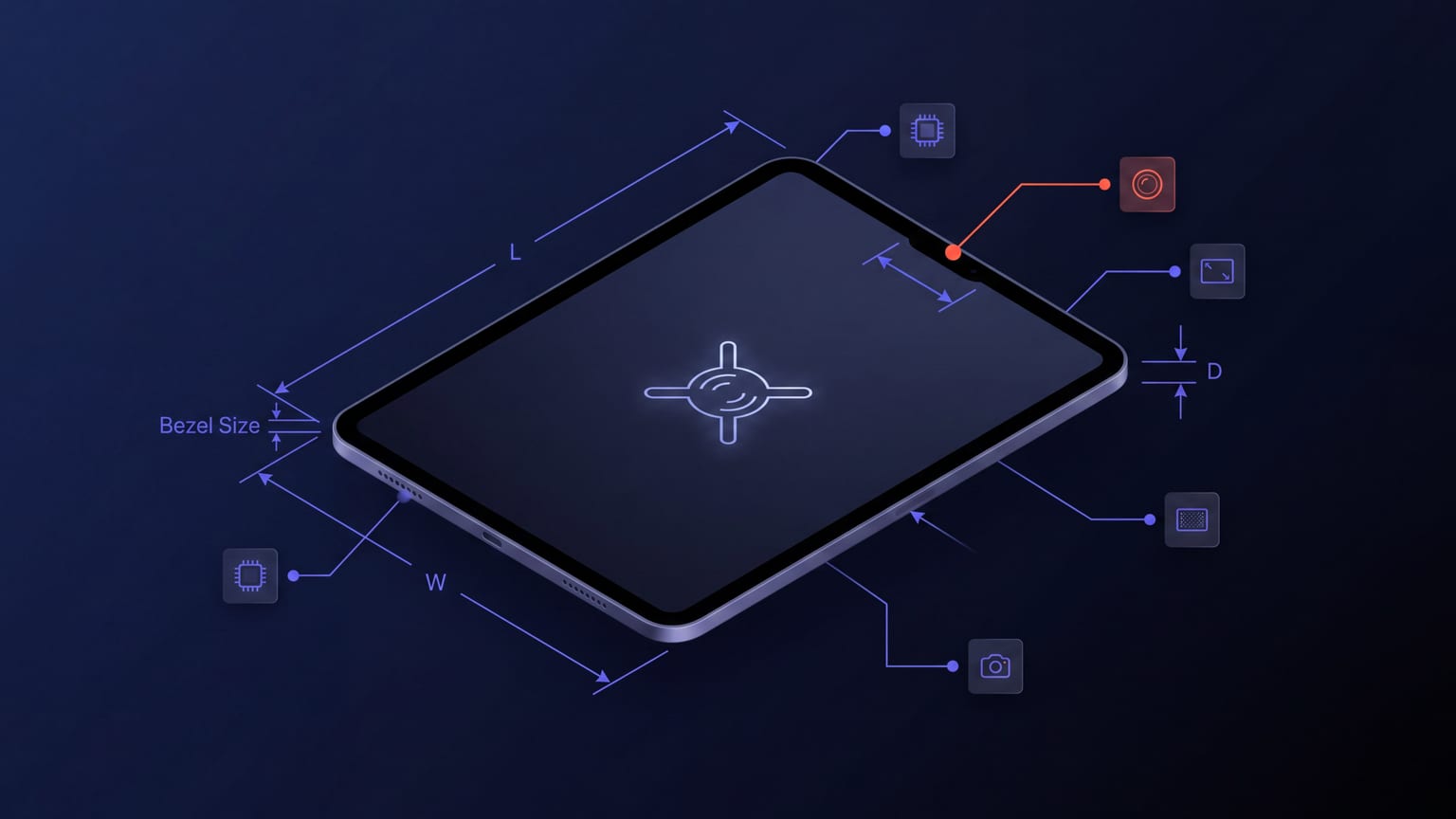
Everything 13" iPad Pro: exact dimensions, what Apple\'s auto-scaling does to smaller iPads, and the design changes the M4 generation forced.
Same app, two stores, different screenshot rules. The dimension, count, and content differences that actually matter.
Why the playbook diverges. What works for a hyper-casual game does not work for a finance app, and vice versa.
The accessibility decisions that also happen to improve conversion at thumbnail size. With WCAG AA contrast values that work.
fastlane is free and automated from CI. Here is the honest no-code path to update your App Store and Google Play listing without Ruby, Xcode, or a CI pipeline.
An honest roundup of screenshot designers, ASO analytics platforms, dev automation, and all-in-one AI tools — and who genuinely leads each job.
A no-frills walk-through for first-time submitters. From "what do I open" to "what do I upload" in 30 minutes.
You have the 1024 x 500 canvas. Here is what makes it perform: one message, the play-button safe zone, the policy rules, and brand consistency with your screenshots.
A side-by-side map of how each console reviews, holds, and releases a version — for people shipping to both stores.
Every Play Store listing asset in one table — icon, feature graphic, screenshots, and text — with the exact dimensions, formats, and character limits.
Apple\'s built-in experiment tool, the sample sizes it actually needs, and the test design that gets a clean result in two weeks instead of six.
A both-stores pre-flight: every asset and field App Store Connect and Google Play Console ask for, plus the 2026 rules that reject a build before review.
Neither store has a real bulk upload across locales. Here is the honest job size, the only two automation paths, and how to skip most of the manual work.
When to design iPad screenshots from scratch and when to reuse the iPhone carousel — the trade-off most teams get wrong.
Update a Google Play store listing programmatically with the Android Publisher API: the edits transaction, service-account auth, and the 403 permission gotcha.
The real reserve-and-commit upload flow for screenshots — JWT auth, chunked PUTs, the MD5 commit, and the constraints Apple actually enforces.
Eight common reasons Apple rejects screenshots, in rough order of how often they bite. With the exact rule each one trips.
A per-field matrix for both stores. Which listing edits force a new version or release, which get reviewed, and the one field on each store you can change with neither.
On Google Play the store listing is separate from your app releases. Edit the text, screenshots, and feature graphic and publish them on their own — no new APK or AAB.
Swap your live App Store screenshots right now: the new-version route, the build-free Product Page Optimization route, and exactly what still needs App Review.
Why machine-translated captions underperform — and the cheap edits that close most of the gap without hiring 50 copywriters.
Every App Store and Google Play field limit in one table, plus what happens when a translated name or subtitle overruns — and how to fix it.
Most users decide in seconds and few scroll past the first few screenshots. Here is how much caption text actually fits — and why short wins.
Every App Store storefront indexes a primary locale and secondary ones. Fill the secondary keyword field with distinct terms to roughly double your reach.
Picking colors that survive App Store thumbnail compression, thumbnail size, and the apps next to yours in search results.
You don't need Fastlane to automate iOS store screenshots. The native Apple ways — XCUITest, Swift Testing attachments, ImageRenderer — with real code.
Apple added 11 new metadata localizations in March 2026, bringing App Store Connect to 50. Here is the full list and a practical take on which ones to actually fill.
On the App Store your description sells. On Google Play it also ranks. Translate it once for both and you shortchange one of them.
The exact feature graphic spec (1024 x 500, PNG/JPEG, no alpha), where it shows up, the play-button safe zone, and concrete design guidance.
Run through this before pushing screenshots to App Store Connect. Twenty checks, in order of how often they trip people up.
The actual steps for both stores, plus the inheritance and review gotchas nobody spells out.
How Store Listing Experiments work in Play Console, default vs localized tests, sample sizes, and the pitfalls — the Play-side complement to Apple Product Page Experiments.
A decision framework for picking markets — start here, add next, nice to have — instead of guessing which languages are worth the effort.
The exact visionOS screenshot size (3840 × 2160), how to capture it from the Vision Pro simulator, the spatial-app nuances, and the gap most screenshot tools ignore.
The what\'s-new field has two different limits and zero keyword value. Store-specific templates and examples for release notes people read.
Choosing typography that survives the App Store renderer, scales to thumbnails, and ships in 50 locales.
A reusable before-the-fold template — plus the one App Store vs Google Play difference that decides how you write it.
The four accepted Mac App Store screenshot sizes, how to capture them on macOS, and how to frame them. Honest about where most tools leave a gap.
A metadata rejection is usually a listing fix, not a binary fix. What triggers 2.3.3, 2.3.7, 4.3 and 5.2.1, plus the before-and-after wording that clears each one.
Side-by-side workflow comparison. Honest about where each one beats the other.
Flutter has no first-party store-screenshot pipeline. The honest options — integration_test capture, golden tests, Fastlane/Codemagic — with real code.
One is indexed and locked to your app version. The other is not indexed and editable anytime. Which is which, and where your keywords actually belong.
Apple has a hidden keyword field; Google Play indexes your whole description. A field-by-field map of where keywords count on each store.
Apple hides a 100-character keyword field in App Store Connect. Commas count, spaces count, the description isn't indexed. The es-MX trick doubles it.
EAS Submit uploads your binary but never touches store screenshots. The honest, command-by-command workflow for Expo teams: capture, automate, compose, localize.
When the 30-second auto-play video pays off vs when static screenshots win. Category-by-category.
The exact pixel sizes App Store Connect accepts per display class, why the 6.5"/6.9" mismatch triggers the error, and how to re-export at the right size without upscaling.
React Native has no first-party screenshot pipeline. Here are the honest options — Fastlane, Detox, manual capture — plus where the marketing-composition step fits.
Browser-native workflow for indie devs and small teams. What you skip when you skip Photoshop, and what you give up.
Repeated patterns across categories — caption length, dominant colors, device-tilt direction, text placement. Observational research, not promises.
Honest take on which performs better, when, and why the answer is more nuanced than "dark mode always wins".
Caption-writing rules that hold up across categories — length, structure, verb choice, and the captions to avoid.
The practical workflow for shipping screenshots in every locale Apple accepts — what to automate, what to review by hand, where the conversion gains come from.
The structural decisions behind a high-performing App Store carousel: caption position, device tilt, palette and panel continuity, with Headspace as the worked example.
A hands-on walk-through from blank canvas to App Store-ready 1290 × 2796 PNG, using Mokbi. Plus what to do for iPhone 16 Pro Max submissions at 1320 × 2868.
What works in the App Store carousel right now — patterns from top-100 apps, the formats Apple keeps pushing, and where the marginal-conversion gains have moved since 2024.