
Designing App Store screenshots without Photoshop
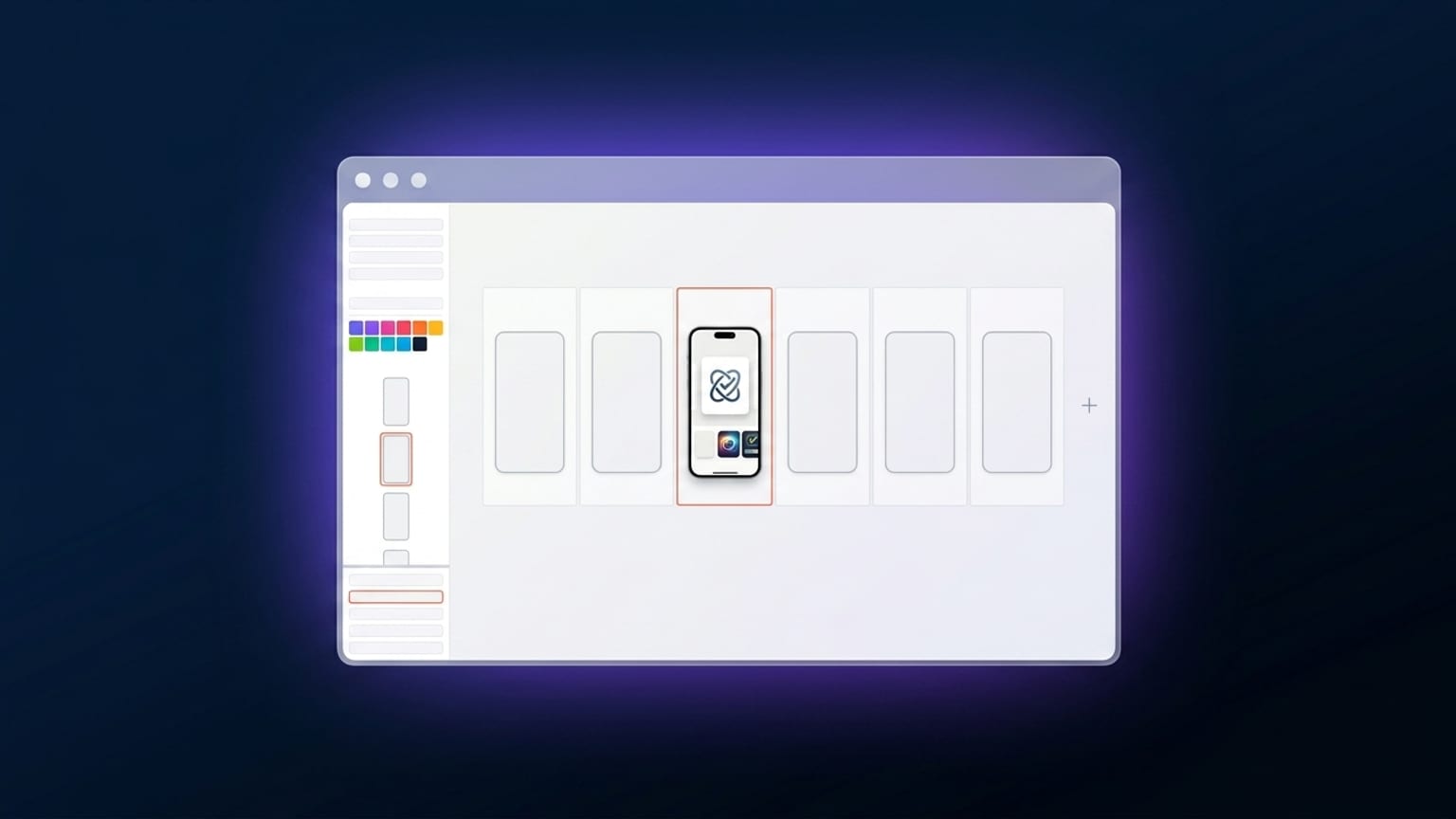
Photoshop and Figma are general-purpose design tools. They can do everything, including App Store screenshots. But App Store screenshots are a narrow design surface with very specific constraints (exact dimensions per device class, repetitive layouts across panels, batch-export per locale, device-frame rendering) that general-purpose tools handle awkwardly.
Browser-native screenshot tools — Mokbi being one, but the category includes AppLaunchpad, Previewed, AppMockUp, MockUPhone, and a few others — are purpose-built for this narrow surface. They're faster for the specific job. The trade-off is they don't handle adjacent jobs (general graphic design, photo editing).
What you skip
The Photoshop setup time
Photoshop for App Store screenshots usually involves: setting up an artboard at the right dimensions, importing a device-frame asset (usually downloaded from Apple's Design Resources or a free PSD pack), positioning the screenshot inside the frame, masking corners, adding text layers, adjusting Smart Object scaling. Multiply by every device class.
Browser tools handle this as a tap: pick a device, drop a screenshot, the frame renders. Save per-locale variants without re-running the setup. The setup time goes from an hour to about thirty seconds.
The Figma component complexity
Figma can solve the repetition problem via components, variants, and auto-layout. The setup cost is real — a properly-componentized App Store screenshot system in Figma takes a day or two to build the first time. After that it's fast, but the trade-off is that any non-trivial change to the system (new device class, new locale, new aspect ratio) requires rebuilding components.
For an in-house design team shipping screenshots quarterly, the Figma investment pays off. For an indie dev shipping screenshots twice a year, it doesn't.
The export grind
Manual export per device × per locale in Photoshop or Figma means clicking through hundreds of export operations for a multi-locale submission. Browser tools generate the entire ZIP in one click. This is where the time savings stack up — every additional locale you ship in is roughly free.
What you give up
Pixel-level photo retouching
If your screenshot involves photo backgrounds with non-trivial retouching (color grading a real photo, removing distracting elements, fixing skin tones in lifestyle shots), Photoshop still does it best. Browser tools can apply CSS-style filters (blur, brightness, contrast, saturation) but not selective retouching.
For most App Store screenshots — which use either solid gradients or relatively simple device screenshots, not retouched photos — this isn't a real limitation.
Exotic blend modes
Multiply, overlay, screen, color-dodge — the full Photoshop blend-mode set is rarely available in browser tools. Most App Store screenshots use straight opacity and shadow effects, not creative blend modes. If your design depends on a specific multiply-blended texture overlay, Photoshop wins.
Final compositing for App Preview videos
App Preview videos (30-second auto-play clips on the App Store page) need video editing. After Effects, Premiere, Final Cut, or similar. Browser tools handle screenshots but not video compositing, so for the video side of the App Store page you still need a separate tool.
The hybrid workflow
Many indie teams settle on a hybrid:
- Capture real screenshots from the running app via simulator or actual device.
- Touch up specific frames in Photoshop if a screenshot needs cleanup (removing a status-bar artifact, fixing a graphical glitch, color-correcting).
- Compose the carousel in Mokbi (or equivalent browser tool) — device frame, text overlays, gradient, multi-panel.
- Translate + batch export via the browser tool.
- Edit App Preview video in After Effects or DaVinci Resolve if you ship video.
When Photoshop still wins
- You're doing photo-heavy compositing (lifestyle shots, complex backgrounds, multi-layer photo retouching).
- You have an existing Photoshop pipeline and asset library you don't want to rebuild.
- Your brand requires very specific custom typography or effects that browser tools don't expose.
- You're an agency with senior designers who work in Photoshop daily — the tool friction matters less than the muscle memory.
When browser tools win
- Indie or small team, ships infrequently.
- Multi-locale shipping (where batch export and one-click translation save real time).
- Frequent App Store screenshot updates (every release).
- No existing design infrastructure — starting from zero.