
App Store Connect vs Google Play Console: publishing
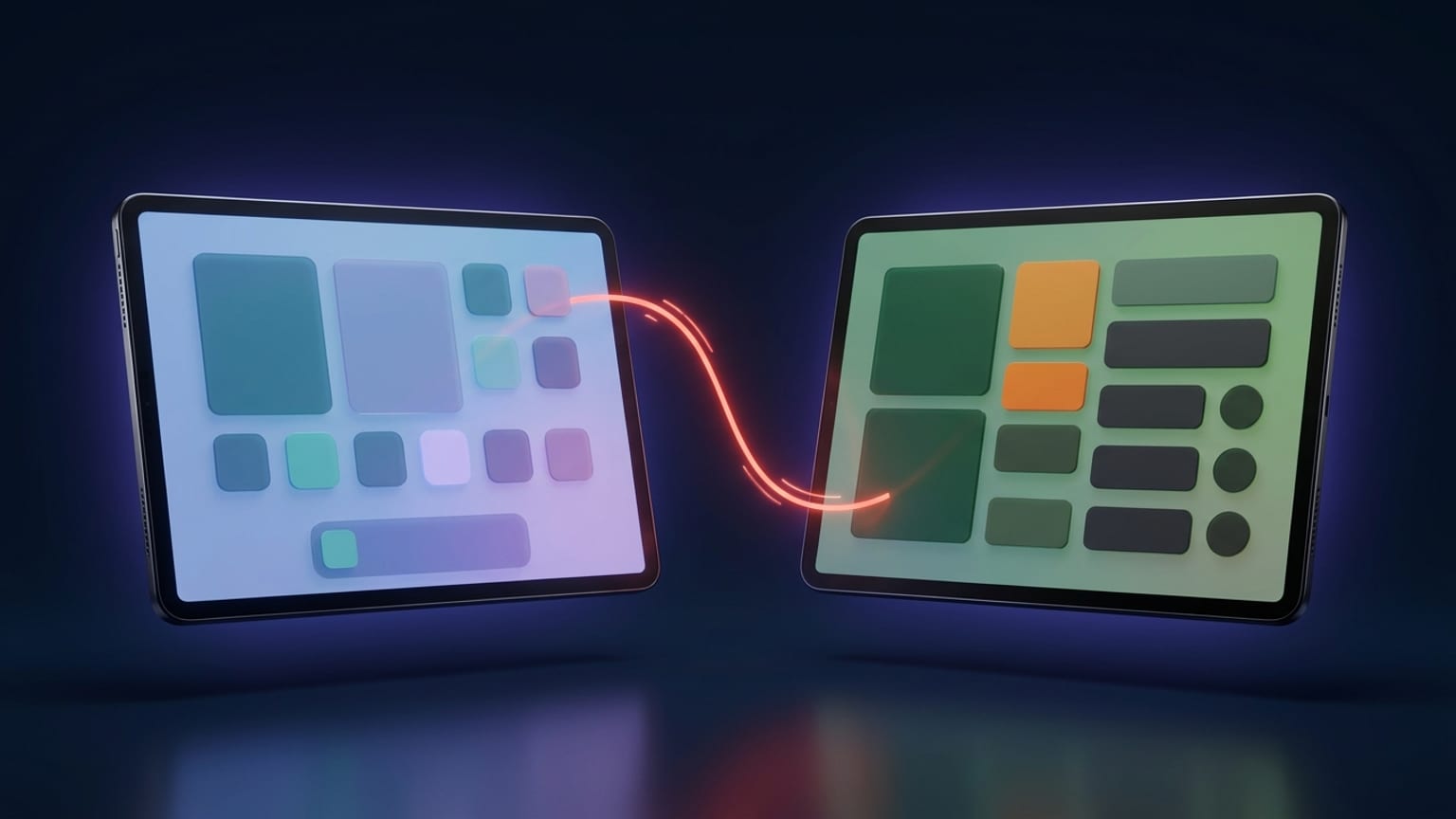
If you ship to one store, you learn one console and move on. Ship to both and you're holding two mental models that use the same words for different things. "Release," "review," and "rollout" all mean something slightly different in App Store Connect than in Google Play Console. This post lines the two workflows up stage by stage so you can plan a launch that lands on both stores without surprises.
The workflow, side by side
Start here. Each row is a stage of getting an update live; the two columns are what actually happens in each console.
| Stage | App Store Connect (Apple) | Google Play Console |
|---|---|---|
| Beta testing | TestFlight — internal testers instantly, external testers after a lighter Beta App Review. | Testing tracks: internal (up to 100 testers), closed (up to 2,000 per list), open (unlimited). |
| What you submit | A version — the build plus its metadata and screenshots, reviewed as one package. | A release — the app bundle (AAB) promoted to a track. Store-listing edits ride a separate path. |
| What review covers | The whole version, metadata included. Change screenshots or text and it goes back through review. | The app release. Store-listing changes get reviewed on their own, via the Publishing overview. |
| Typical review time | Roughly 24–48 hours for most updates; a first submission from a new account can run several days. | Often hours to a few days. New personal accounts face a closed-testing gate first (see below). |
| Hold approved changes | Manual release — approved version sits in "Pending Developer Release" until you press release. | Managed publishing — approved changes queue up and go live only when you trigger publish. |
| Release timing | Automatic after review, manual, or scheduled ("no earlier than" a date you set). Chosen per version. | Immediate publish, or hold with managed publishing until your planned moment. |
| Gradual rollout | Phased release: automatic updates roll out over 7 days by rising percentage. Pausable. Updates only. | Staged rollout: you pick the percentage and raise it on your own schedule. Haltable. Updates only. |
| Metadata-only edit | Most listing changes ride a new version through review; only a few fields edit live. | A store-listing edit, submitted and reviewed without shipping a new build. |
How Apple releases a version
In App Store Connect the unit of work is a version. You attach a build, fill in the metadata and screenshots, and submit the whole thing to App Review. Apple looks at it as one package — which is why a screenshot swap or a description tweak, on its own, generally means a new version and another trip through review.
Once App Review approves, your release option decides what happens. Pick automatic and it goes live right away. Pick manual and it parks in "Pending Developer Release" — Apple has approved it, but nothing is public until you press the button (allow up to 24 hours to appear after you do). Pick scheduled and it releases automatically on or after a date and time you set. You choose this per version, so every update is a fresh decision.
For a gradual launch, turn on phased release. It applies to automatic updates for existing users and spreads them across 7 days by climbing percentage, and you can pause it if something looks wrong in the metrics. It does not gate a brand-new app, and it does not apply to manual releases — that's the App Store equivalent of Google's staged rollout, not a hold on the whole release.
How Google releases to a track
Google splits the same job across tracks. A build starts on a testing track — internal, closed, or open — and gets promoted toward production when you're ready. Internal testing is for a small trusted group (up to 100). Closed testing widens to invited lists (up to 2,000 per list). Open testing is public opt-in with no cap. Production is everyone in your chosen countries.
When you push a release, managed publishing is the equivalent of Apple's manual hold. With it on, approved changes collect on the Publishing overview under "changes ready to send" and go live only when you publish — handy for lining a release up with a marketing date. With it off, approved changes publish as soon as review clears.
For a gradual launch, use a staged rollout: release to a percentage of users and raise it yourself over time, halting if crash rates spike. Like Apple's phased release, it's for updates, not first launches — a brand-new production release goes to everyone at once.
The divergence that trips people up
Here's the split worth internalizing: Apple couples metadata to the version; Google keeps the store listing separate from the release.
On Apple, your screenshots, description, and keywords are part of the version under review. Want to refresh the screenshots between builds? For most fields that means a new version and another review pass. On Google, the store listing is its own object — you can update text and graphics and send just that through review while the shipped app bundle stays exactly where it is. Two stores, two very different answers to "can I change this without a full release?"
This matters most when a launch has a lot of moving parts: a build, a screenshot set, localized text across dozens of markets. On Apple you tend to batch it all into one version so it reviews together. On Google you can stage the listing and the release independently and publish them in whatever order suits the plan.
Review times, and the new-account catch
Apple's App Review runs about 24–48 hours for a typical update in 2026, longer for a first submission from a new developer or anything flagged for a closer look. Google's review is often faster — hours to a few days for an established account — but there's a gate for newcomers.
A personal Google Play developer account created after mid-November 2023 has to run a closed test with at least 12 testers opted in for 14 continuous days before it can apply for production access. Drop below 12 and the streak can reset. Organization accounts and older personal accounts skip this. Apple has no direct equivalent, so if you're launching a first app on both stores, budget for Google's testing window up front — it's usually the longer pole.
Where Mokbi fits
Both consoles want the same finished assets: framed screenshots and clean, localized copy at every required size. Mokbi builds that side once. You design the screenshots and draft the store text in one project, then translate both into 50 languages, and export a set that matches App Store Connect and Google Play Console dimensions in a single pass — so the same work feeds two listings instead of two separate grinds.
Mokbi publishes them too. It pushes the listing and assets straight to Google Play through the Play Developer API, and it stages the version in App Store Connect ready for you to submit. Apple requires the final Submit and review pass, so that last tap stays with you (an Apple rule, not a Mokbi limit). Either way you drive both consoles' listing updates from one place, on one subscription: the editor is free, and Solo (€29.99/mo) or Studio (€49.99/mo) unlock unlimited export and publishing for as long as you stay subscribed.
Publish both listings from Mokbi →