
iPad Pro M4 screenshot specifications, deep dive
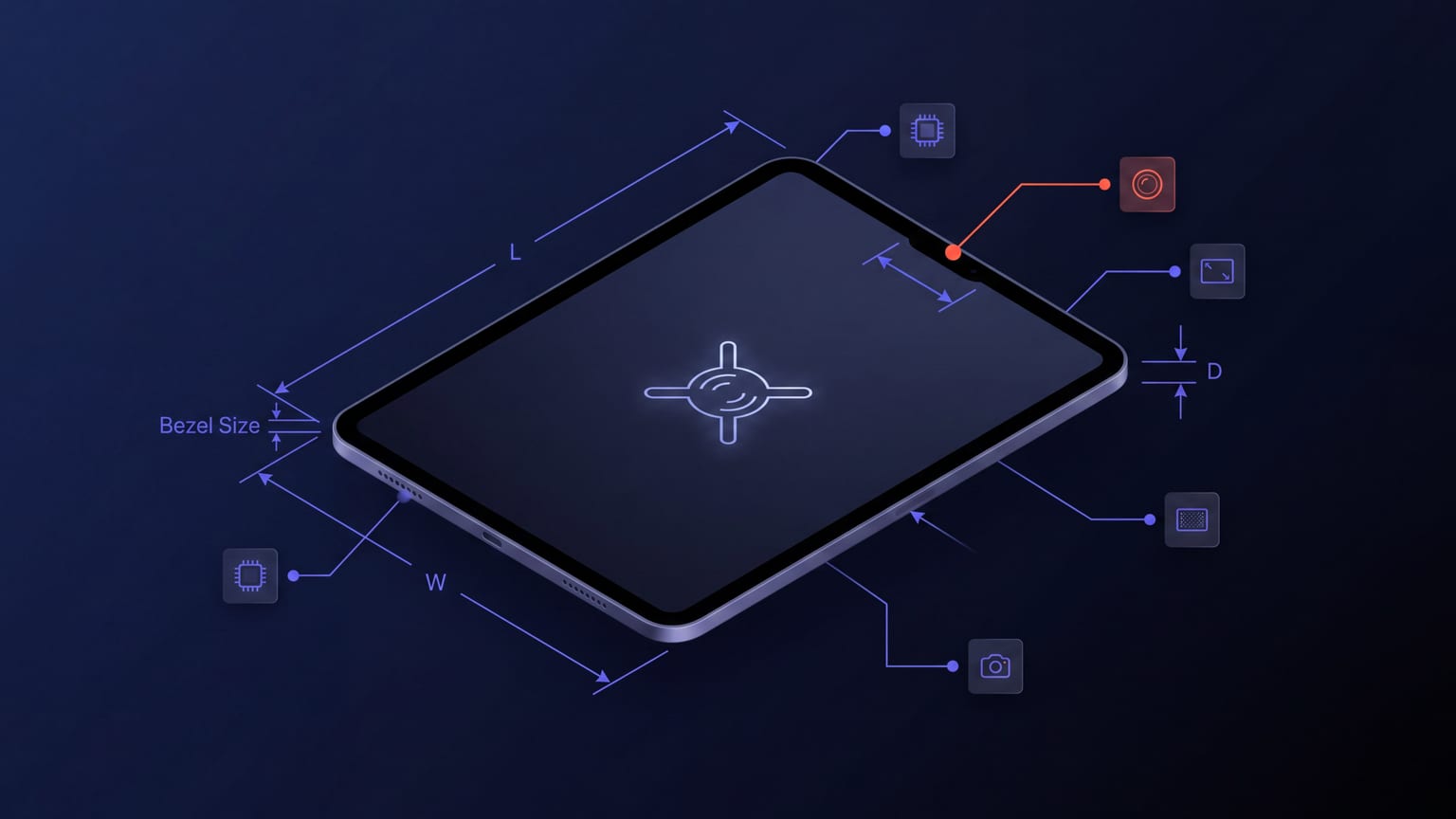
The iPad Pro M4 generation shipped in May 2024 with a slightly different physical body and display geometry than the M2 generation, which Apple bumped to a new screenshot size class: 2064 × 2752 instead of the older 2048 × 2732. The change is small numerically but it forced every app shipping iPad screenshots to either re-render or accept Apple's auto-scaling.
The exact dimensions
| Class | Portrait | Landscape | Status |
|---|---|---|---|
| 13" iPad Pro M4 | 2064 × 2752 | 2752 × 2064 | Required (2026) |
| 12.9" iPad Pro (3rd-6th gen) | 2048 × 2732 | 2732 × 2048 | Accepted |
| 11" iPad Pro M4 / Air M2 | 1668 × 2388 | 2388 × 1668 | Accepted |
| 10.5" iPad Air 3rd gen | 1668 × 2224 | 2224 × 1668 | Accepted |
| 10.2" iPad 7th-9th gen | 1620 × 2160 | 2160 × 1620 | Accepted |
For a new submission in 2026, the only required class is 13". Apple auto-scales everything smaller from the 13" upload.
What auto-scaling actually does
Apple's auto-scaling is bilinear with light sharpening. For screenshots that are mostly large photographs or solid color blocks, the scaling produces clean output and most users wouldn't notice the difference. For screenshots with dense text, fine UI elements, or sharp typographic edges, the scaling produces visible softness and slight color fringing at edges.
Order of priority for native-rendering per class:
- 13" Pro M4 — required, you ship this anyway.
- 11" Pro M4 / Air M2 — second-highest install volume in iPad-Pro-buyer demographics.
- 10.2" iPad 7-9 gen — the highest-install-volume non-Pro iPad class.
- 12.9" iPad Pro (older) — supply if you have residual install volume from older Pros.
- 10.5" iPad Air 3 — niche; auto-scale is fine for almost everyone.
Why M4 forced design changes
The M4 generation introduced a slightly different aspect ratio (2064/2752 = 0.750) than the prior 12.9" Pro (2048/2732 = 0.7496). This 0.05% difference would be irrelevant for content but the change in absolute pixel count matters for screenshots designed at the older size: they get scaled up rather than down, and bilinear upscaling adds softness.
Some teams re-rendered iPad screenshots from scratch when migrating to M4 dimensions. Most accepted the scaling. The honest take: if your iPad install volume is low, accept the scaling and don't re-render. If you have meaningful iPad install volume and your designs include dense text or fine UI, re-render natively at 2064 × 2752.
The "M4 is the new default" implication
Apple's marketing positions the M4 iPad Pro as the canonical iPad. App Store featured slots, keynote demos, and editorial content all use M4-class screenshots. If you're aiming for editorial placement (App of the Day, the Today tab), your iPad screenshots should be designed at native M4 dimensions.
For everyone else, auto-scaling from M4 to smaller classes is fine. Just don't design at 12.9" and upscale to 13" — that's the path that produces noticeable softness.
Body proportions and frame design
For mockup tools (including Mokbi), the M4 iPad Pro body proportions are slightly different from the M2 / older generations:
- 13" Pro M4 body: 281.6 × 215.5 × 5.1mm. Bezel reduced ~1mm vs prior generation.
- 11" Pro M4 body: 249.7 × 177.5 × 5.3mm.
For thumbnail-readable mockups, frames should be drawn a little thicker than the actual physical bezel so the device still reads as a device at search-thumbnail size. The Mokbi M4 frames use this approach.
Landscape considerations
iPad apps that use landscape benefit from landscape screenshots — multi-pane layouts read better in landscape, and the iPad App Store renders landscape screenshots in a taller format than portrait when uploaded landscape.
Apps that don't use landscape should stay portrait. Mixed orientation across the carousel looks unprofessional.
File format details for iPad uploads
- PNG-24 (preferred) or JPEG.
- sRGB color profile.
- Max 8 MB per screenshot. Typical PNG at 2064 × 2752 is 1.5-3 MB.
- No transparency in the visible image (Apple may render oddly against the App Store page background).
- 10 screenshots max per class per locale.
What to do this week
- If you haven't supplied 13" iPad screenshots yet, do that first. It's the required class.
- Check whether your existing iPad screenshots were designed at 12.9" (2048 × 2732). If yes, decide whether to re-render at 2064 × 2752 or accept the scaling.
- Audit at thumbnail size. If iPad screenshots look soft or fringed, native re-rendering helps more than other optimizations.